p. 24
Using Your Drive
Congure the RAID Mode for Windows
You can easily configure G-RAID Studio’s RAID mode with the following steps.
Important Note: Changing the RAID level will erase all data on the drive. Be sure
all of the data and les you want to save are backed up to separate media.
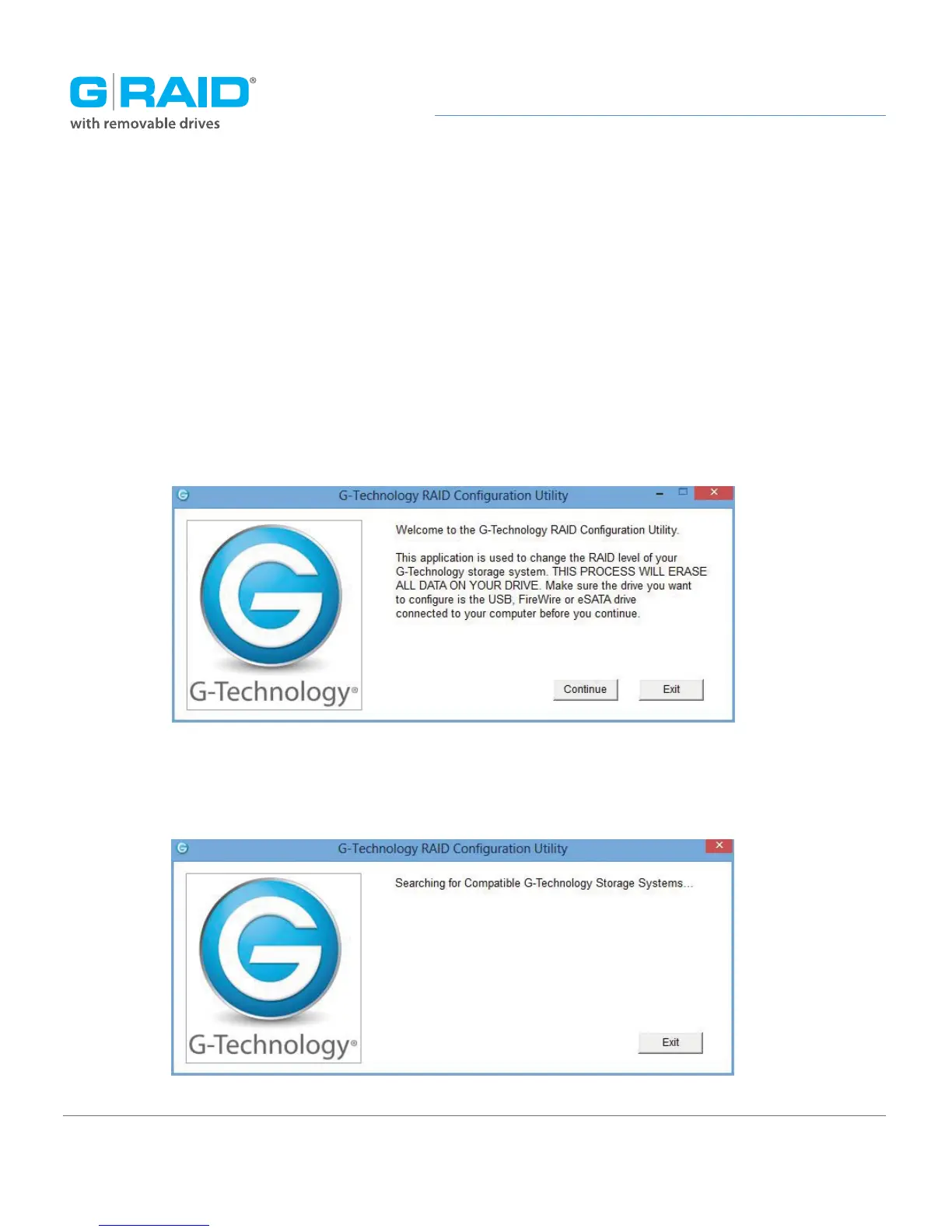
1. Launch the G-Technology RAID Configuration utility. A dialog window will ask you to
disconnect all other external hard disks from your computer. This is important to ensure
that the configurator does not affect other eSATA, FireWire or USB devices on your system.
2. Click the Continue button. A window will appear telling you that the utility is searching
for G-RAID.














 To Next Page