p. 15
Using Your Drive
Disconnect the Drive
A great feature of G-RAID is its ability to connect and disconnect while your computer is
running. To prevent failures and/or data loss, it is important to follow the steps below when
disconnecting or “unmounting” the drive from your computer.
1. Before powering down and disconnecting the drive, unmount the system by dragging
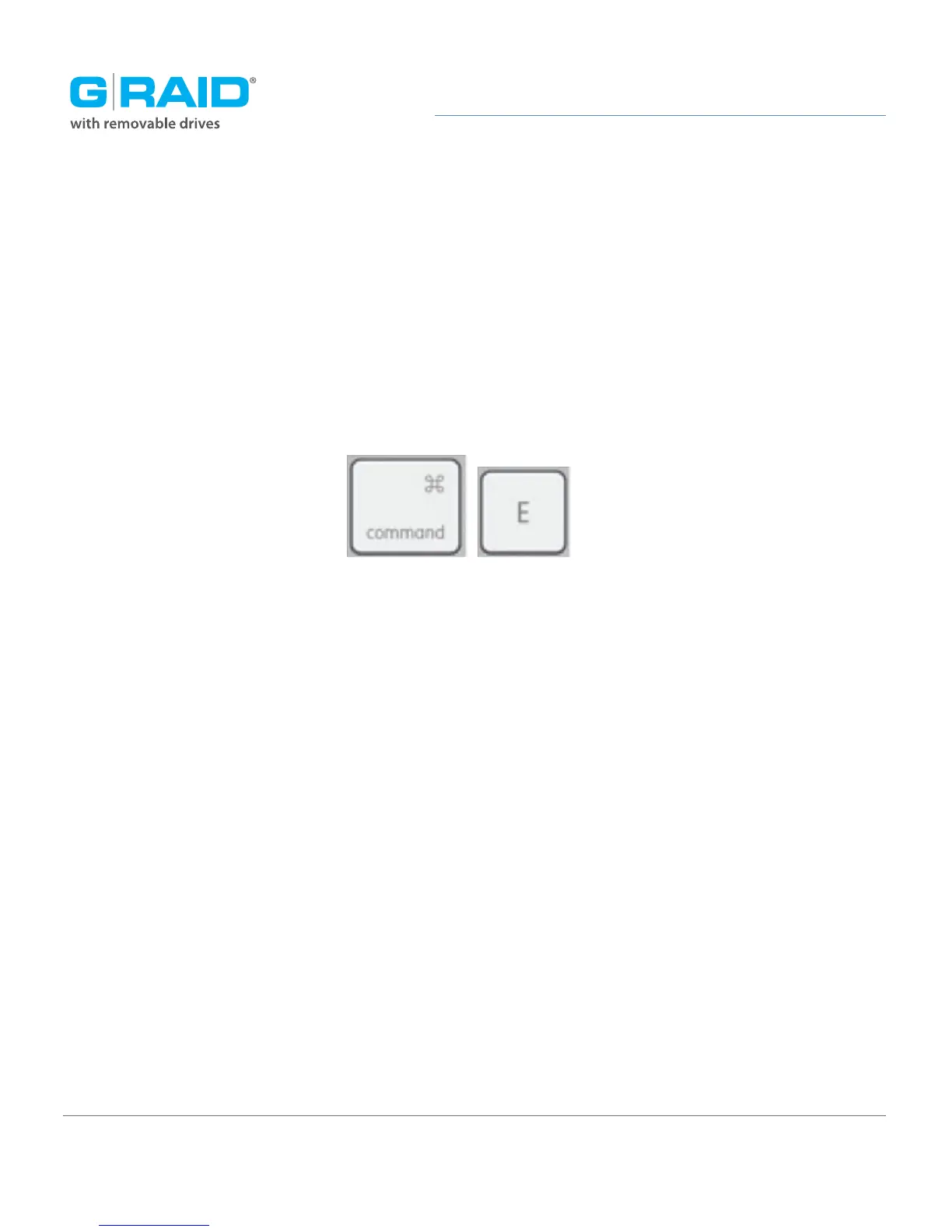
the G-RAID icon to the trash located in the dock. Keyboard shortcut: Select the drive
icon and hit Command+E.
2. It is safe to remove the drive from your system when the drive icon is no longer present
on your desktop.
3. To power off G-RAID, press and hold the on/off power button until the unit shuts down.
Helpful links
• To use G-RAID on Windows, go to Windows Use.
• To use G-RAID on Mac and Windows together, go to Cross-Platform Use.














 To Next Page