p. 21
Using Your Drive
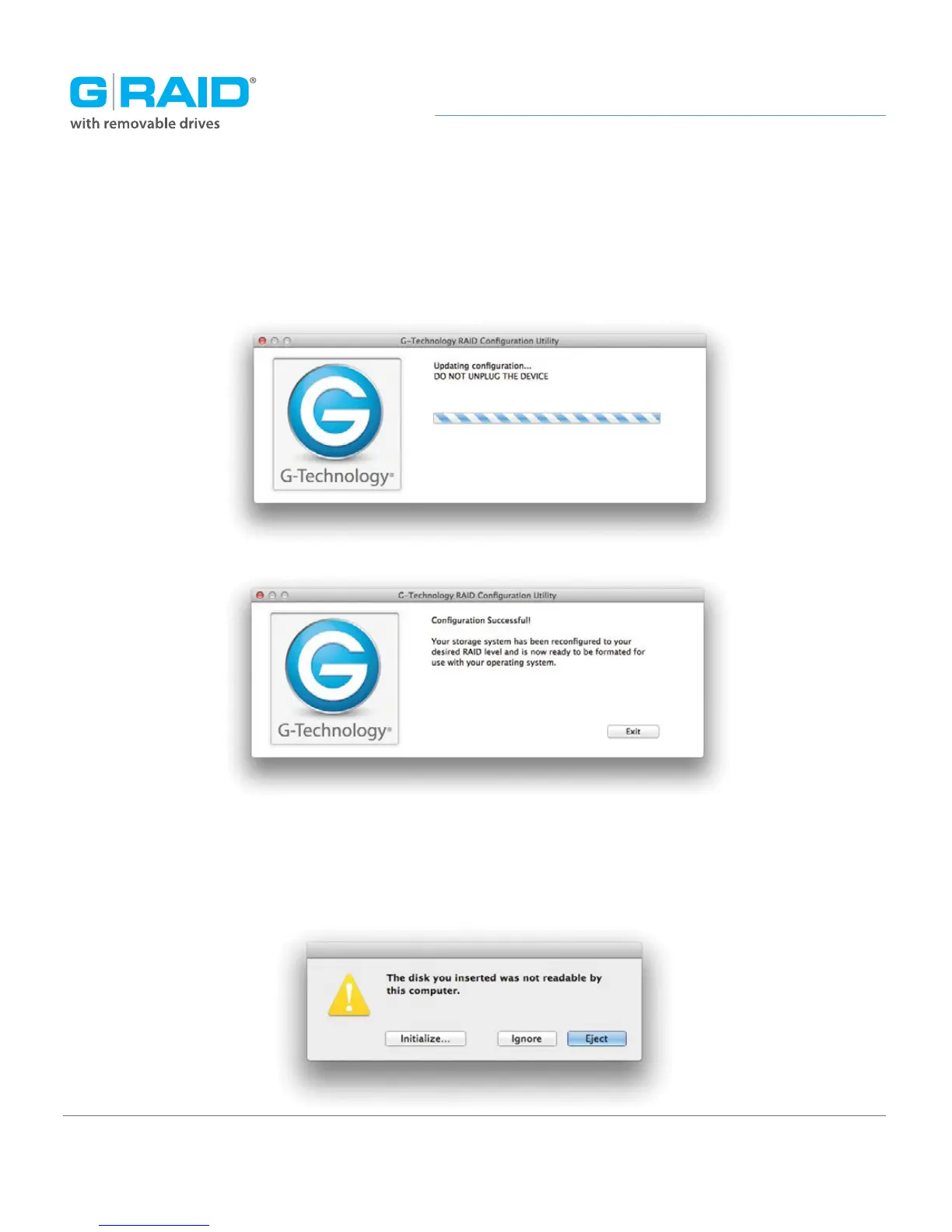
5. A window will appear telling you that the configuration is in progress. The next
window will confirm that your G-RAID is configured in RAID 1, RAID 0 or JBOD mode.
6. Changing the RAID mode of G-RAID will require you to re-initialize the disk with the Disk
Utility application. The disk insertion dialog below should appear. Click the Initialize button
to launch Disk Utility. Then follow the simple steps to initialize G-RAID for use with Mac OS.














 To Next Page