p. 30
Maintenance for Your Drive
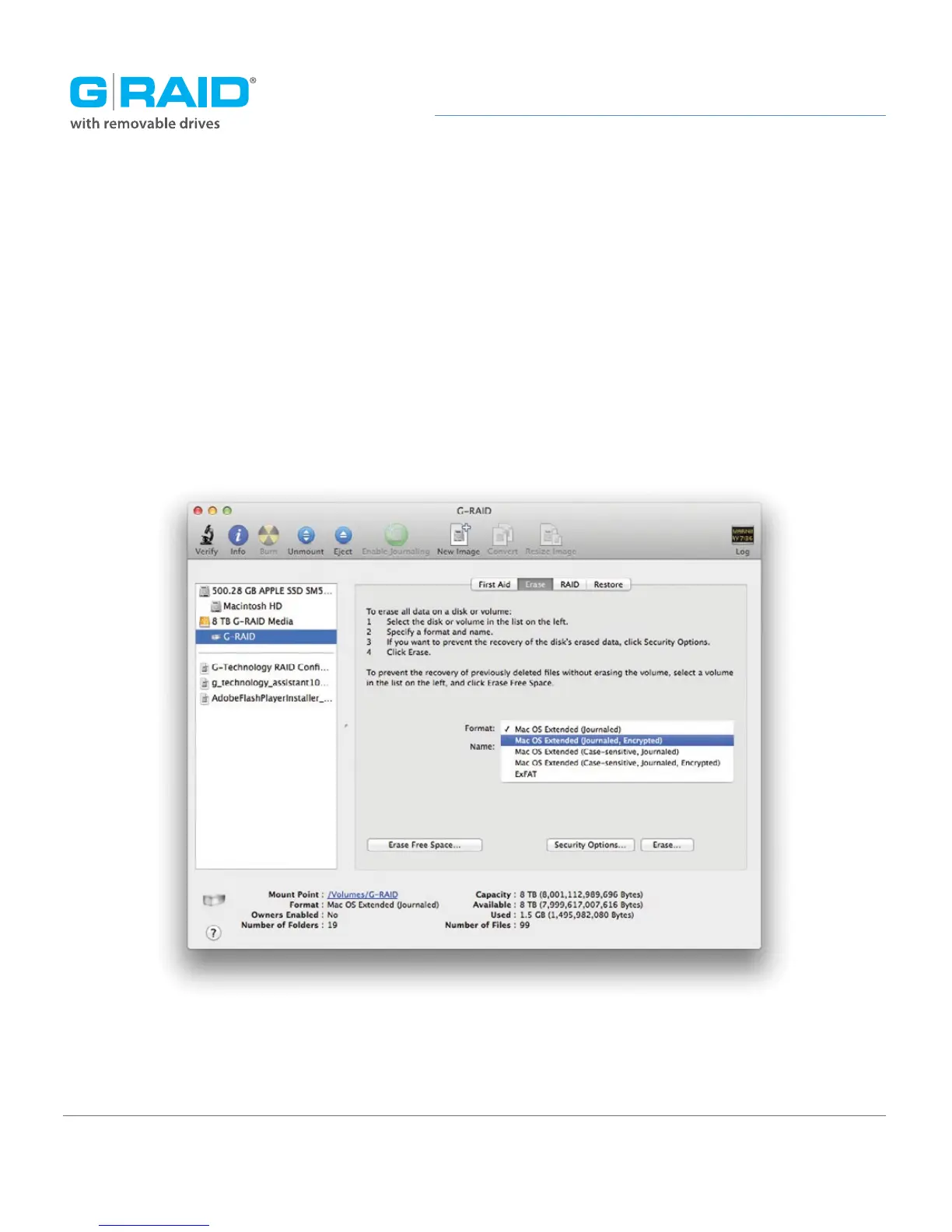
4. Choose the Format option you prefer.
• Mac OS Extended (Journaled): Use this format if you intend to use the drive for
Time Machine or to create a separate bootable installation of OS.
• Mac OS Extended: Use this format for best performance and media storage.
To select, click the Format drop-down menu and its option of Mac OS Extended.














 To Next Page