p. 45
Using Your Drive on Windows
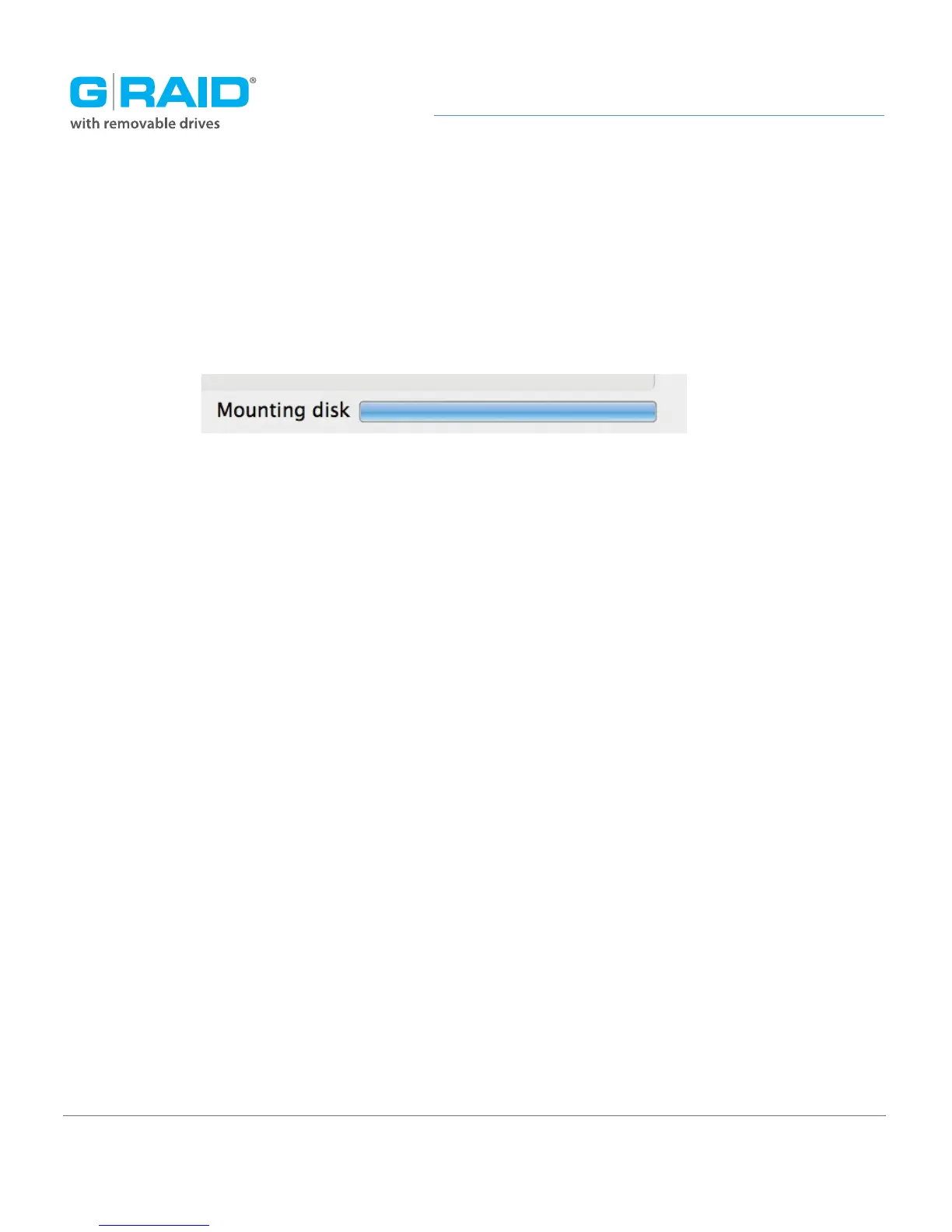
6. Click the Erase button. A progress bar in the lower right corner of the window will
show the progress of the disk’s reformatting. Your drive will be formatted to its full
capacity as exFAT.
7. Quit the Disk Utility program. You are finished!
8. After reinitializing, the custom icon for the G-RAID Studio will be erased. No icons are
available for exFAT.
With this format, you will be able to read/write on Windows Vista, and Windows 7 and
on Mac OS machines.














 To Next Page