EasyManua.ls Logo

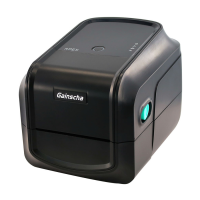
Gainscha GS-2208DM - User Manual

Default Icon
25 pages
Print Icon
To Next Page IconTo Next Page
Loading...
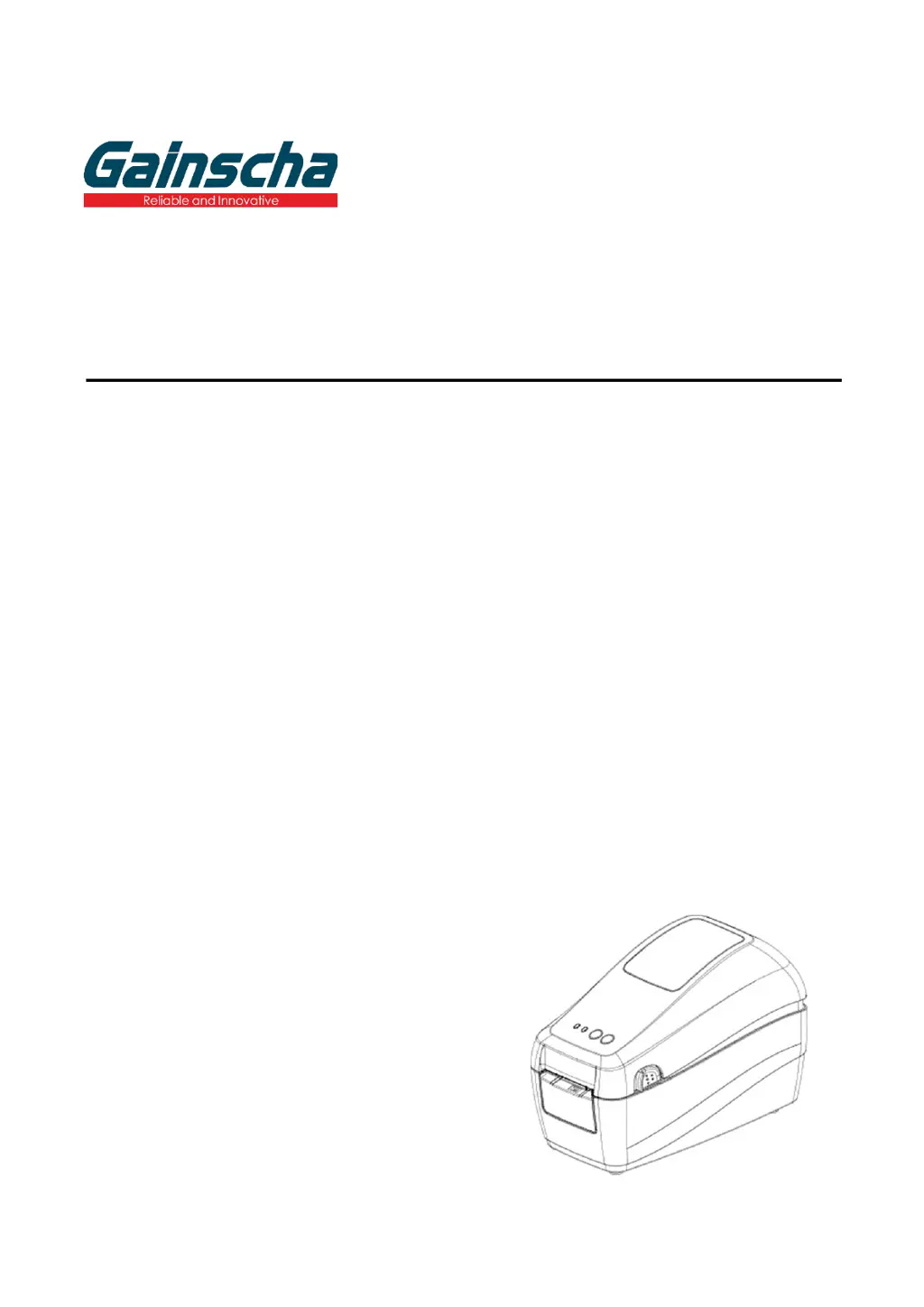
GS-2208D/GS-3205D Series
DIRECT THERMAL
THERMAL LABEL PRINTER
USER’S MANUAL
Ver.1.0.4

Questions and Answers

  • T
    Travis KellerAug 13, 2025
    What to do if my Gainscha GS-2208DM is unable to print?
    • D
      David SteeleAug 13, 2025
      If your Gainscha Label Maker is not printing, first ensure the cable is securely connected to the serial, USB interface, or parallel port. If that doesn't work, try using a new cable. You may also need to clean the print head. Also, turn off the printer and plug the connector again to ensure that the print head’s harness connector is well connected with printhead. Finally, confirm whether the connection cable of the stepping motor is connected correctly.
  • M
    Mrs. Caitlin SparksAug 16, 2025
    Why does my Gainscha GS-2208DM Label Maker skip labels when printing?
    • J
      Jonathon BooneAug 16, 2025
      If the Gainscha Label Maker skips labels during printing, ensure the label size is correctly specified in your settings. Also, calibrate the sensor using the Auto Gap or Manual Gap options. Finally, use a blower to clear any dust that may be covering the media sensor.
  • T
    Teresa OwensAug 20, 2025
    What to do if my Gainscha Label Maker has a paper jam?
    • A
      ashleyadamsAug 20, 2025
      If you're experiencing a paper jam with your Gainscha Label Maker, try the following: Recalibrate the label sensor. Ensure that the label size is set correctly. Also, clean the inside of the printer to remove any blocked labels.
  • S
    sarahlambAug 25, 2025
    How to fix a Gainscha GS-2208DM when the power indicator does not illuminate?
    • J
      Jennifer GreerAug 25, 2025
      If the power indicator on your Gainscha Label Maker does not illuminate, make sure the power cord is correctly plugged into both the printer and the outlet. Also, verify that the printer power switch is turned on.
  • J
    Jerry GibsonAug 28, 2025
    What to do if my Gainscha Label Maker says 'Out of paper'?
    • D
      Donald WhiteAug 28, 2025
      If your Gainscha Label Maker is out of paper, install new paper. If the problem persists, follow the paper installation steps to reinstall the paper correctly. You might also need to recalibrate the label sensor.
  • C
    Christopher SimpsonSep 1, 2025
    How to remove gray line on blank label from Gainscha GS-2208DM Label Maker?
    • E
      Eric MuellerSep 1, 2025
      If you see a gray line on the blank label from your Gainscha Label Maker, try cleaning the print head. If the issue persists, clean the platen roller as well.
  • Q
    qwongSep 4, 2025
    Why is the printing position incorrect for small labels on my Gainscha GS-2208DM?
    • T
      Tammy RushSep 4, 2025
      If the printing position of a small label is incorrect on your Gainscha Label Maker, recalibrate the sensor sensitivity. Also, ensure you have set the correct label size and gap size. If you're using BarTender software, adjust the vertical offset in the driver settings.
  • S
    Susan TorresSep 8, 2025
    How to resolve wrinkle problem on Gainscha Label Maker?
    • N
      Nicole MooreSep 8, 2025
      If you are experiencing a wrinkle problem with your Gainscha Label Maker, ensure the label guide touches the edge of the media guide. Also, please set the suitable density to have good print quality.

Summary

Gainscha Printer Features

Printer Technical Specifications

Detailed specifications of the GS-2208D/GS-3205D series printers, including model, resolution, speed, and interfaces.

Printer Operations Overview

Printer Setup Guide

Physical Setup and Connection

Step-by-step guide for physically connecting the printer to a power source and computer using a USB cable.

Software Driver Installation

Instructions for installing the printer driver software on a Windows computer, including license agreement and directory selection.

Printer Controls and Indicators

Gainscha Printer Utility

Printer Troubleshooting

Common Printer Issues and Solutions

A guide listing common printer issues like no power, out of paper, paper jam, and unable to print, with possible causes and recovery steps.

Printer Maintenance

Gainscha GS-2208DM Specifications

General IconGeneral
Resolution203 DPI
Print MethodDirect Thermal
Print Speed150 mm/s
Memory8MB Flash
InterfaceUSB
Printing TechnologyDirect Thermal
Supported Operating SystemsWindows
Media TypeContinuous and die-cut labels

Related product manuals