EasyManua.ls Logo

Gainscha GA-3406T Series - User Manual

Default Icon
93 pages
Print Icon
To Next Page IconTo Next Page
Loading...
1
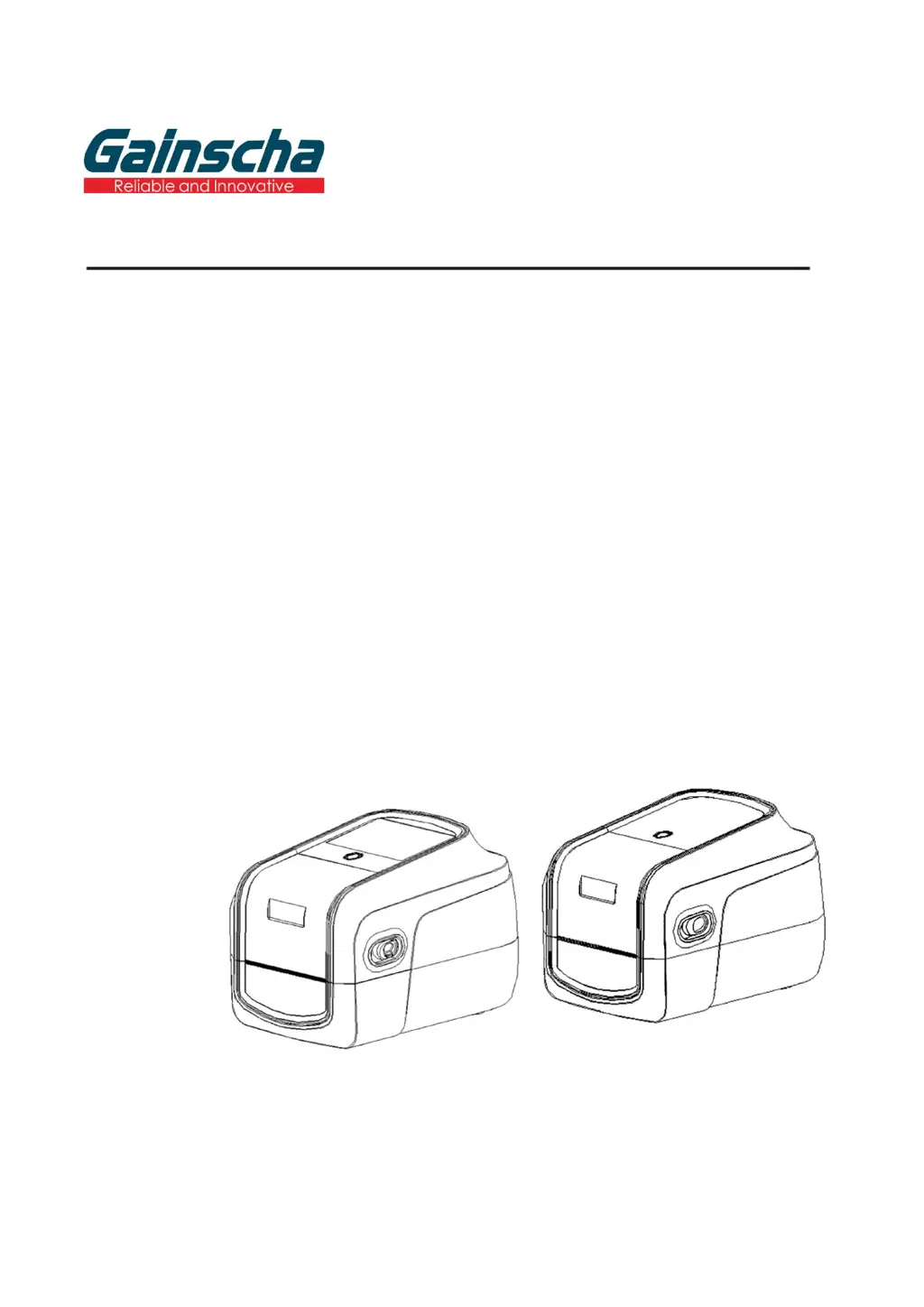
GA-2408T / GA-3406T / GA-6404T / Series
THERMAL TRANSFER / DIRECT THERMAL
APEX LABEL PRINTER
USER’S
MANUAL
Ver.1.1.0

Table of Contents

Questions and Answers

  • M
    Mrs. Jennifer GreenSep 10, 2025
    What to do if my Gainscha GA-3406T is out of paper?
    • A
      Allison ParkerSep 10, 2025
      If your Gainscha Label Maker is out of paper, install new paper. If the issue persists, the paper installation path may be incorrect, so follow the steps for installing the paper to reinstall. Also, the gap or black mark sensor detection could be incorrect, so recalibrate the label sensor.
  • C
    Catherine PetersonAug 23, 2025
    How to fix poor print quality on Gainscha Printer?
    • J
      John LambertAug 23, 2025
      If your Gainscha Printer is producing poor quality prints, consider the following: - The ribbon and media might be loaded incorrectly. Reload the supply. - There may be dust or adhesive accumulation on the print head. Clean the print head. - The print density may not be set properly. Adjust the print density and print speed. - The printhead element might be damaged, or the ribbon and media may be incompatible. Change the ribbon or label media. - The print head mechanism may not be latching properly. Change the ribbon or label media.
  • J
    joshuayoderAug 25, 2025
    What to do if my Gainscha Printer says 'Out of paper'?
    • A
      Ashley PhamAug 25, 2025
      If your Gainscha Printer indicates it's out of paper, here's what you can do: - Install new paper. - If paper was installed, the paper installation path may be incorrect. Reinstall the paper following the correct steps. - The gap / black mark sensor detection may be incorrect. Recalibrate the label sensor.
  • B
    briana07Aug 27, 2025
    How to fix paper jam in Gainscha Printer?
    • T
      Tracy NobleAug 27, 2025
      If you're experiencing a paper jam in your Gainscha Printer: - The gap / black mark sensor detection may be incorrect. Recalibrate the label sensor. - The label size may be set incorrectly. Set the correct label size. - A label may be blocked inside the printer. Clean the inside of the printer.
  • K
    Kevin Crawford Jr.Aug 28, 2025
    What to do if my Gainscha Printer says 'Out of ribbon'?
    • C
      Catherine GouldAug 28, 2025
      If your Gainscha Printer displays an 'Out of ribbon' message: - Install a new ribbon. - If a new ribbon was installed, the ribbon installation path may be incorrect. Follow the steps for installing the ribbon to reinstall.
  • A
    Anna PerezAug 29, 2025
    How to troubleshoot Gainscha Printer when the power indicator does not illuminate?
    • G
      Gina StewartAug 29, 2025
      If the power indicator on your Gainscha Printer isn't lighting up, it's likely that the power cord is not properly connected. Ensure you plug the power cord into both the printer and the outlet, and then switch the printer on.
  • R
    Rachel ThompsonSep 18, 2025
    What to do if the power indicator does not illuminate on my Gainscha GA-3406T Label Maker?
    • E
      Erik GrahamSep 18, 2025
      If the power indicator on your Gainscha Label Maker does not illuminate, the power cord is not properly connected. Plug the power cord into the printer and the outlet, then switch the printer on.
  • T
    Theresa HarrisSep 12, 2025
    Why is the printing position of small labels incorrect on my Gainscha Label Maker?
    • S
      sheryl42Sep 12, 2025
      Incorrect printing position of small labels on your Gainscha Label Maker can occur if the media sensor sensitivity is not set properly, so calibrate the sensor sensitivity again. Ensure the label size is correct. If using the software BarTender, set the vertical offset in the driver.
  • E
    Emily CoxSep 8, 2025
    What causes missing printing on the sides of labels with Gainscha GA-3406T?
    • S
      Scott WilliamsSep 8, 2025
      Missing print on the sides of labels with your Gainscha Label Maker is caused by wrong label size setup. Set the correct label size.
  • B
    Barbara SmithSep 5, 2025
    How to fix wrinkle problem on Gainscha Label Maker?
    • L
      loganshannonSep 5, 2025
      Wrinkles during printing with your Gainscha Label Maker may occur due to several reasons. Ensure the ribbon installation is correct. Make sure the label guide touches the edge of the media guide, because media installation might be incorrect. Adjust print density. Also, check media feeding.

Summary

Introduction

Product Features

Details the specifications and features of the standard printer models.

Setup Procedures

Initial Printer Setup

Provides step-by-step instructions for setting up the printer on a flat surface.

Install Printer Driver

Guides users through the process of installing the printer driver software on their computer.

Printer Utility Software

Starting the Printer Utility

Instructions on how to start and navigate the Printer Utility software interface.

Printer Setup Configuration

Guides on how to configure general printer settings via the utility.

RFID Module Setup

Information and settings for the RFID module.

RFID Setup Configuration

How to set up the related functions of the RFID module.

RFID Test Functionality

How to perform read/write operations and manage RFID tags.

Label Design Software - BarTender

Design Labels and Content

Step-by-step guide to designing labels using BarTender software.

RFID Options in BarTender

How to configure RFID options within the BarTender software.

The Use of RFID Function

RFID Driver Installation

Steps to install the RFID driver for the printer.

Set RFID Access Password

How to set and manage access passwords for RFID tags.

Set RFID Kill Password

How to set and manage kill passwords for RFID tags.

Printer Program Upgrade

Printer Status Upgrade

Steps for upgrading the printer's firmware through its normal status.

LCD Menu Functions

Troubleshooting Common Problems

Common Problems and Solutions

Lists common printer problems and their solutions for troubleshooting.

Printer Maintenance

Gainscha GA-3406T Series Specifications

General IconGeneral
Resolution203 DPI
Memory4MB Flash Memory / 8MB SDRAM
InterfaceUSB, Serial (RS-232), Ethernet
Print MethodThermal transfer
Max. Print Width104 mm
Media Thickness0.06 mm - 0.25 mm
Processor32-bit RISC
Power SupplyAC 100-240V, 50/60Hz
Maximum Print Width104 mm
Label Thickness Range0.06 mm - 0.25 mm
Printing TechnologyThermal transfer
Media TypeLabel roll
Media Width25.4 mm (1") ~ 115 mm (4.5")
Label Width Range25.4 mm (1") ~ 115 mm (4.5")

Related product manuals