69
9.2. Network Settings
You can check or set network status via network setting.
1. Press "Menu" to enter the Menu Settings interface.
2. Press direction key “▲” or “▼” and select “Network Set” option and press “OK” key to set
“Wired network setting”, “wireless network setting” and “Wi-Fi Direct”.
• To set IP address, subnet mask and gateway, press direction key “▲” to circularly
accumulate values from “0-9”, press direction key “▼” to circularlly input the position
from left to right, press “OK” key to save setting and press “Return” key to return to the
previous menu.
9.3. Network Information
You can check the network status through Network Information..
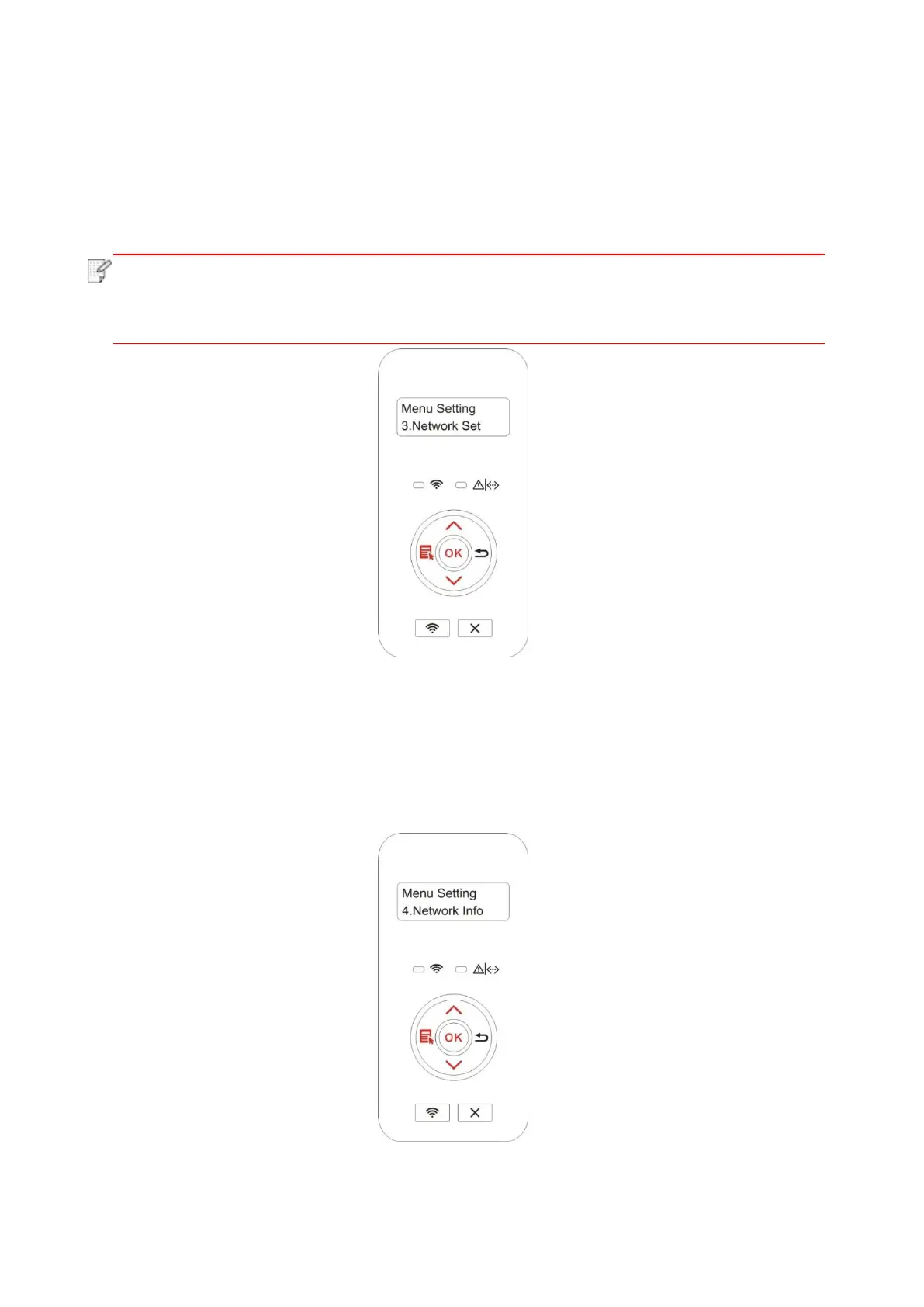
1. Press "Menu" to enter the Menu Settings interface.
2. Press direction key “▲” or “▼” and select “Network Info” option and press “OK” key to view
“wired network information”, “wireless network information” and “Wi-Fi Direct information”.


 To Next Page
 Loading...