13
GB
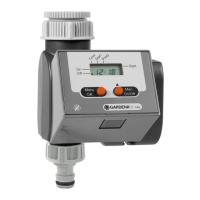
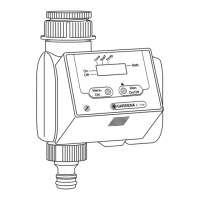
1. Press Menu-key
(not necessary if the battery has just been inserted).
The hours display and
time
flash.
2. Set the time in hours with the +-key
(example:
9
hours) and confirm with the OK-key.
time
and the minutes display flash.
3. Set the time in minutes with the +-key
(example:
30
minutes) and confirm with the OK-key.
time
and the day of the week display flash.
4. Set the day of the week with the +-key
(example: Sa Saturday) and confirm with the OK-key.
The display moves to the message Insert watering programs
and program memory setting
1
flashes.
Set current time
and day of week:
1.
2.
3.
4.


 To Next Page