18
GB
If a program has already been set on one of the 6 program
memory settings, this can be modified without having to compile
it from the beginning again.
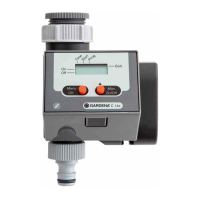
1. Press Menu-key twice.
Program memory setting
1
flashes.
2. Press +-key to move to the next program step
– or –
modify program data with the +-key and confirm
with the OK-key.
The valve can be opened or closed manually at any time.
A program-controlled open valve can also be closed early with-
out changing the program data (start time, watering duration
and watering days).
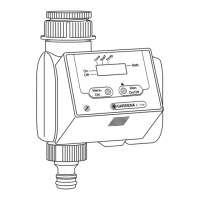
1. Press man. On/Off-key to open the valve manually
(or to close an open valve).
Run-Time
and the watering time in minutes (set to
30
minutes
in the works) flash for 5 seconds on the display.
2. Whilst the watering time in minutes is flashing, the watering
duration can be modified with the +-key (between
0
:
00
and
0
:
59
) (example:
10
minutes).
The valve is opened.
3. Press man. On/Off-key to close the valve early.
The valve is closed.
Read / modify
watering programs:
Manual operation:


 To Next Page