15
GB
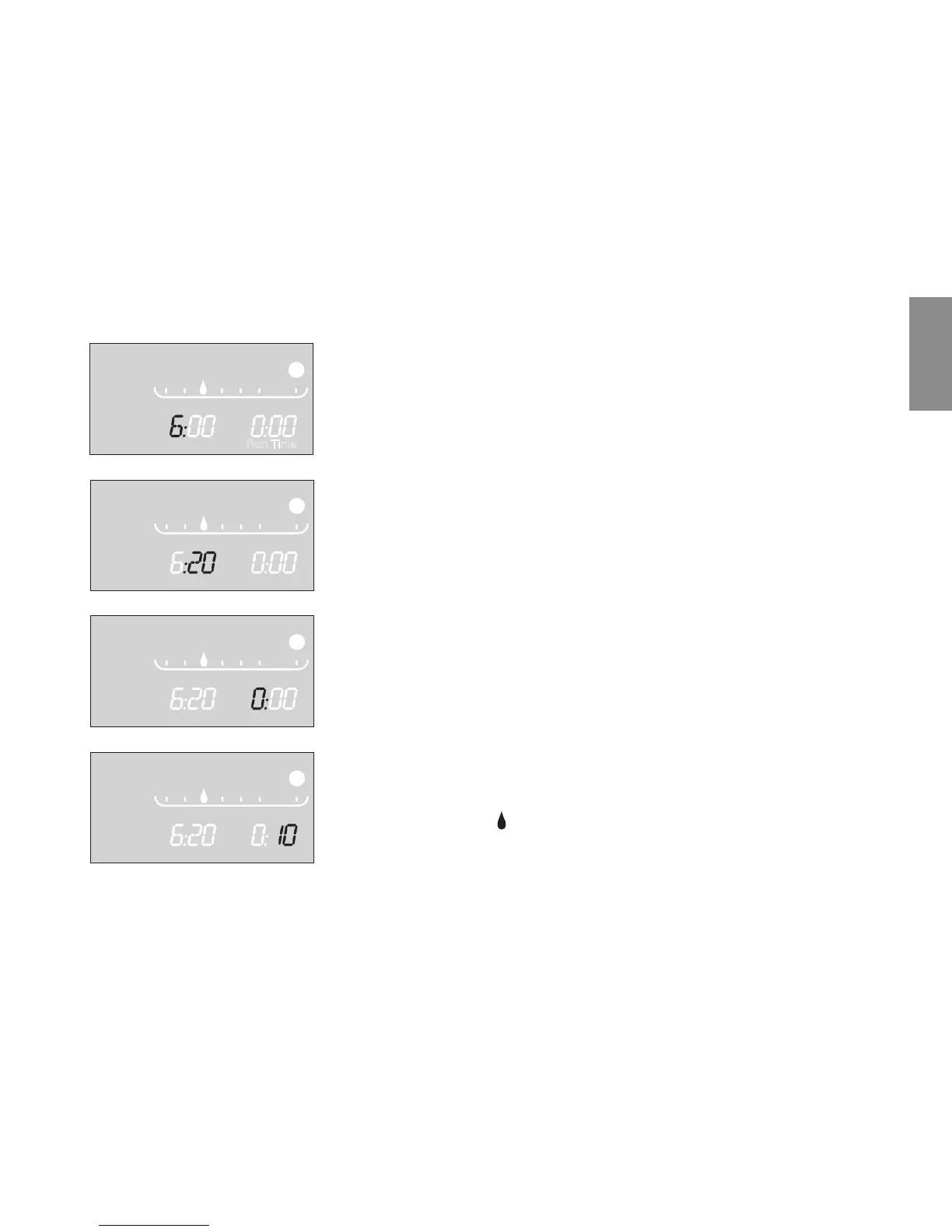
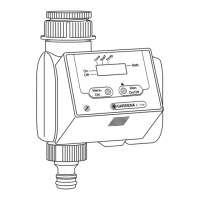
4. Set the hours for starting the watering time with the +-key
(example:
6
hours) and confirm with the OK-key.
Start Time
and the minutes section flash on the display.
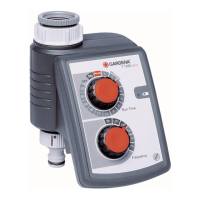
5. Set the minutes for starting the watering time with the +-key
(example:
20
minutes) and confirm with the OK-key.
Run Time
and the hours for the watering time flash on the
display.
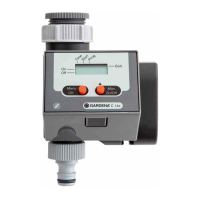
6. Set the hours for the watering time with the +-key
(example:
0
hours) and confirm with the OK-key.
Run Time
and minutes for the watering time flash on the
display.
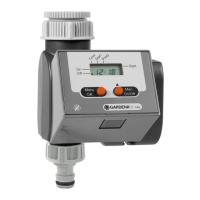
7. Set watering time minutes with the +-key
(example:
10
minutes) and confirm with the OK-key.
Watering cycle
3rd
flashes on the display.
4.
5.
6.
7.


 To Next Page