8.3. Add Your Camera
Ensure that your camera is in ON mode and in close proximity
to you. To establish a stable connection, move within 45ft of
the camera with no obstacles obstructing the signal, such as
walls or glass doors.
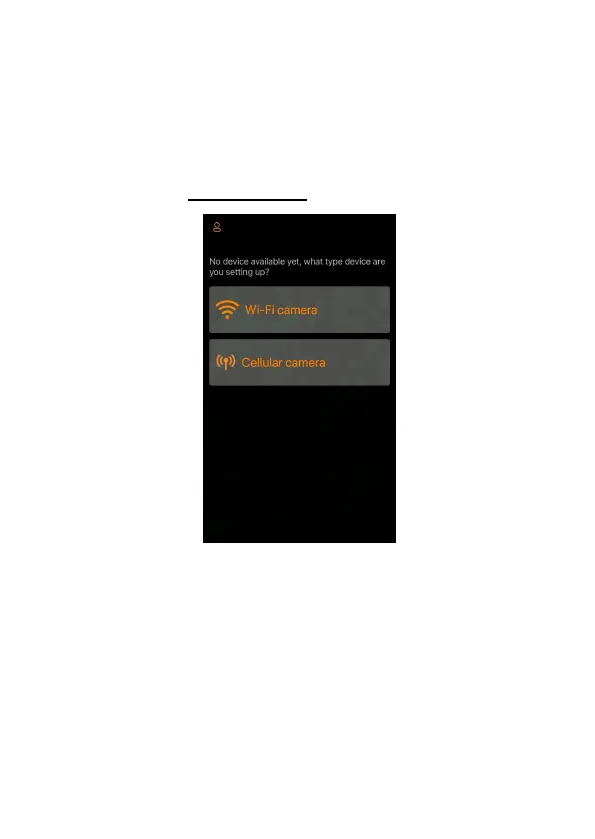
Open the app, tap Wi-Fi camera (Figure 9).
Figure 9: Tap to add your camera
NOTE: The app is an unified app, supports Wi-Fi camera and
cellular camera (sold separately).



 To Next Page