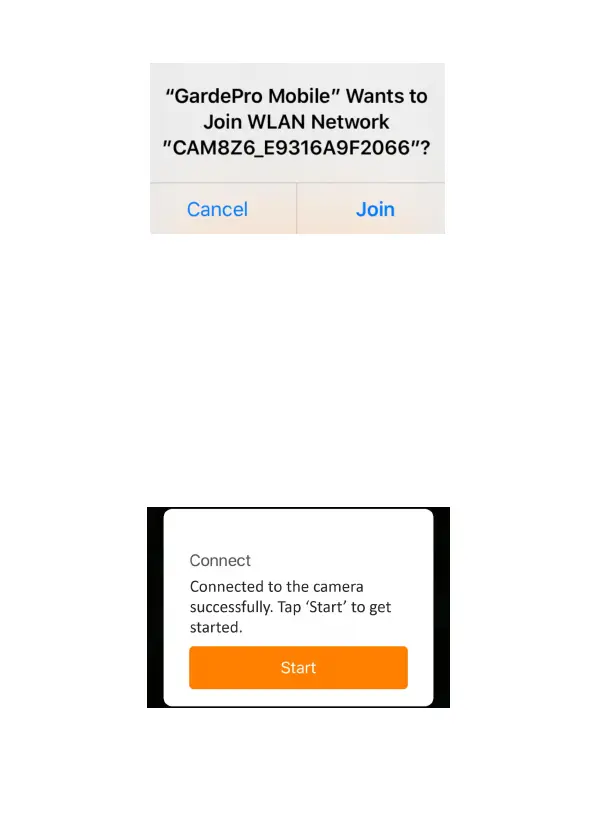
Figure 11: Allow Wi-Fi Connection on iOS Device
A system pop-up message will show (Figure 11).
Please tap "Join" to allow Wi-Fi connection. The string
"CAM8Z6_E9316A9F2066" is the name of Wi-Fi hotspot on
the camera to allow Wi-Fi connection. Among cameras, the
prefix CAM8Z6 is fixed, E9316A9F2066 is the internal camera
identifier which may vary from different cameras.
NOTE: On Android devices, there might be different system
pop-up messages that ask for allowing app connection to
camera since different mobile phone manufacturers may
modify and customize this system message.
After connected, a pop-up message would show as below:
Figure 12: Connected
Tap "Start" to enjoy your app journey (Figure 12).



 To Next Page