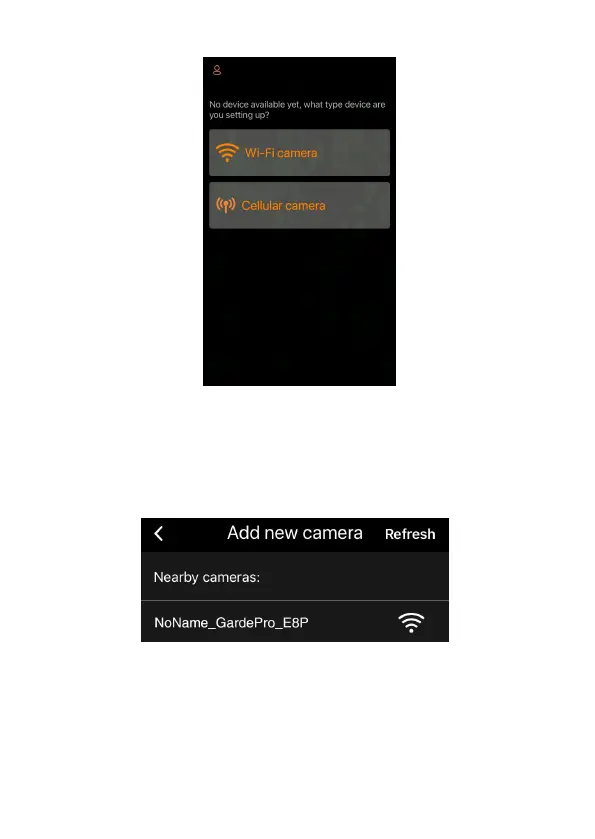
Figure 9: Tap to add your camera
NOTE: The app is an unified app, supports Wi-Fi camera and
cellular camera (sold separately).
8.4. Search Your Camera and Link
Figure 10: Select your camera
By default, in the list the camera will be indicated as ID
"NONAME_GardePro_E8P" (this manual uses the E8P
model as an example) if the camera name is not assigned. After
you set the camera name in settings, the camera ID will be
updated as "XXXX_GardePro_E8P" (XXXX is a 4-character



 To Next Page