in the surveillance mode, press the START button to wake up
the camera.
5. INSTALLING THE BATTERY AND SD CARD
Before you begin learning how to use your camera, you will
first need to insert an SD card (for the E8P, E8PCF and
E8PWF models). Although that may only take you a minute,
there are some important notes about battery and SD card you
should be aware of, so please take the time to read the
following directions and cautions:
5.1. Loading Battery
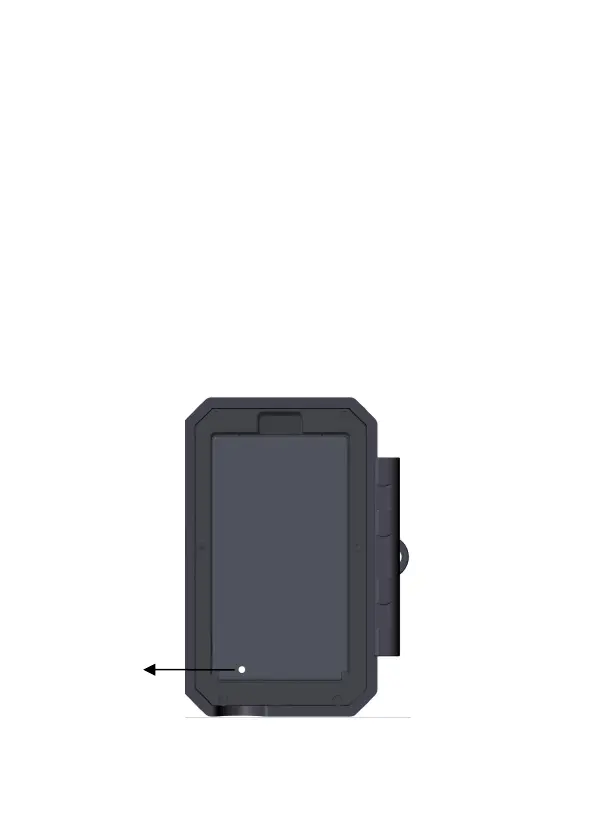
Check whether the battery pack is correctly installed (Figure
6).
Figure 6: Loading the Battery Pack



 To Next Page