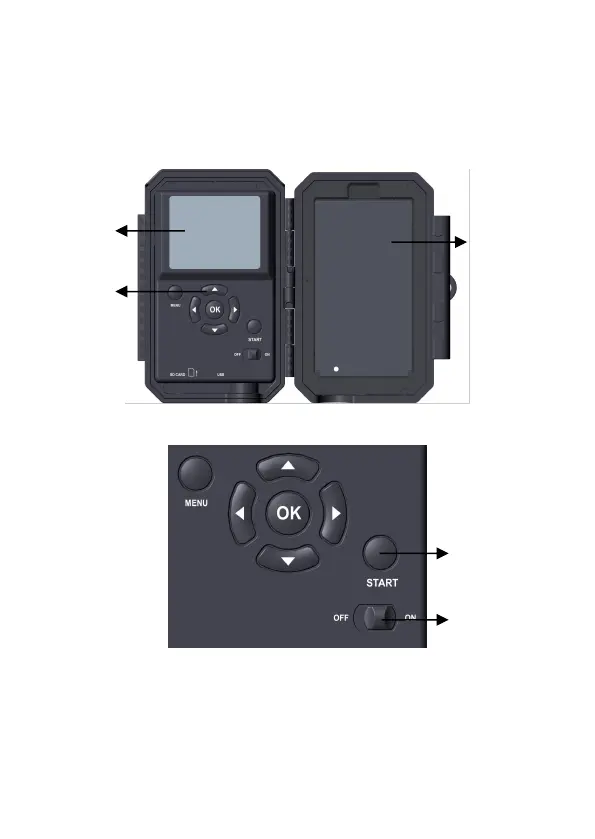
The camera has a 2.4-inch built-in LCD screen, which can be
used for reviewing pictures or videos and menu displaying, and
exclusive keypad design for easy program and operation, a
rechargeable battery included (Figure 4).
Figure 4: Inside View
Figure 5: Operation Buttons
A power switch is used to power on (ON mode) or off the
camera (OFF mode). A START button is used to quickly
make the camera into the surveillance mode (motion detection)
or time lapse per your settings (Figure 5). When the camera is



 To Next Page