grant the app access to Wi-Fi, Bluetooth, storage, location and
camera of your device, and enable the Local Network (if on
iOS14 or later), which are necessary to take pictures and
videos.
8.2. Enable Wi-Fi and Bluetooth
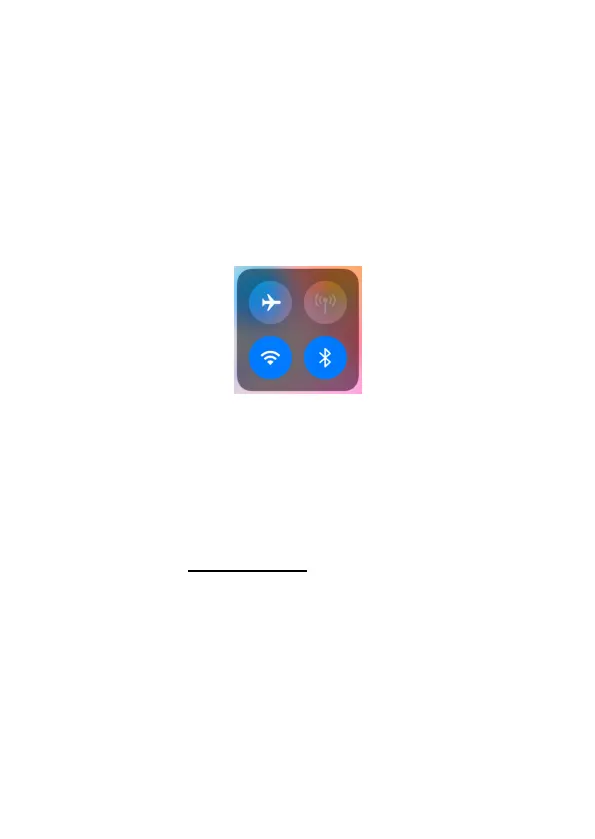
Enable Wi-Fi and Bluetooth on your mobile phone before
opening the app. This step is optional, however it can speed up
the connection between app and camera.
Figure 8: Enable Wi-Fi and Bluetooth
8.3. Add Your Camera
Ensure that your camera is in ON mode and in close proximity
to you. To establish a stable connection, move within 45ft of
the camera with no obstacles obstructing the signal, such as
walls or glass doors.
Open the app, tap Wi-Fi camera (Figure 9).



 To Next Page