camera since different mobile phone manufacturers may
modify and customize this system message.
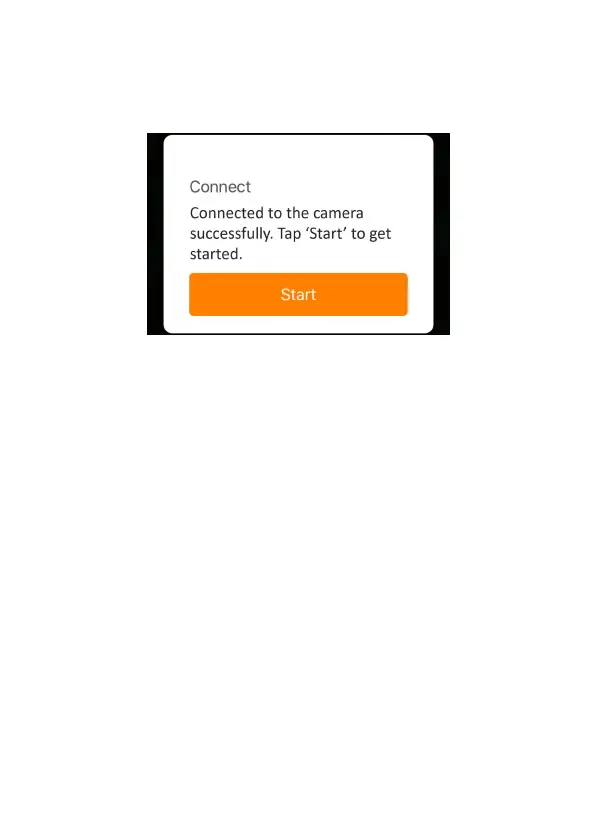
After connected, a pop-up message would show as below:
Figure 12: Connected
Tap "Start" to enjoy your app journey (Figure 12).
8.5. App Navigation
The app supplies 4 main features:Camera, Status, Settings and
Gallery. See the Table 1 and Figure 13~16 for more details.



 To Next Page