Page 11
GARDTEC
800 Series
User Manual
Testing The System
(Master & Main codes onl
y)
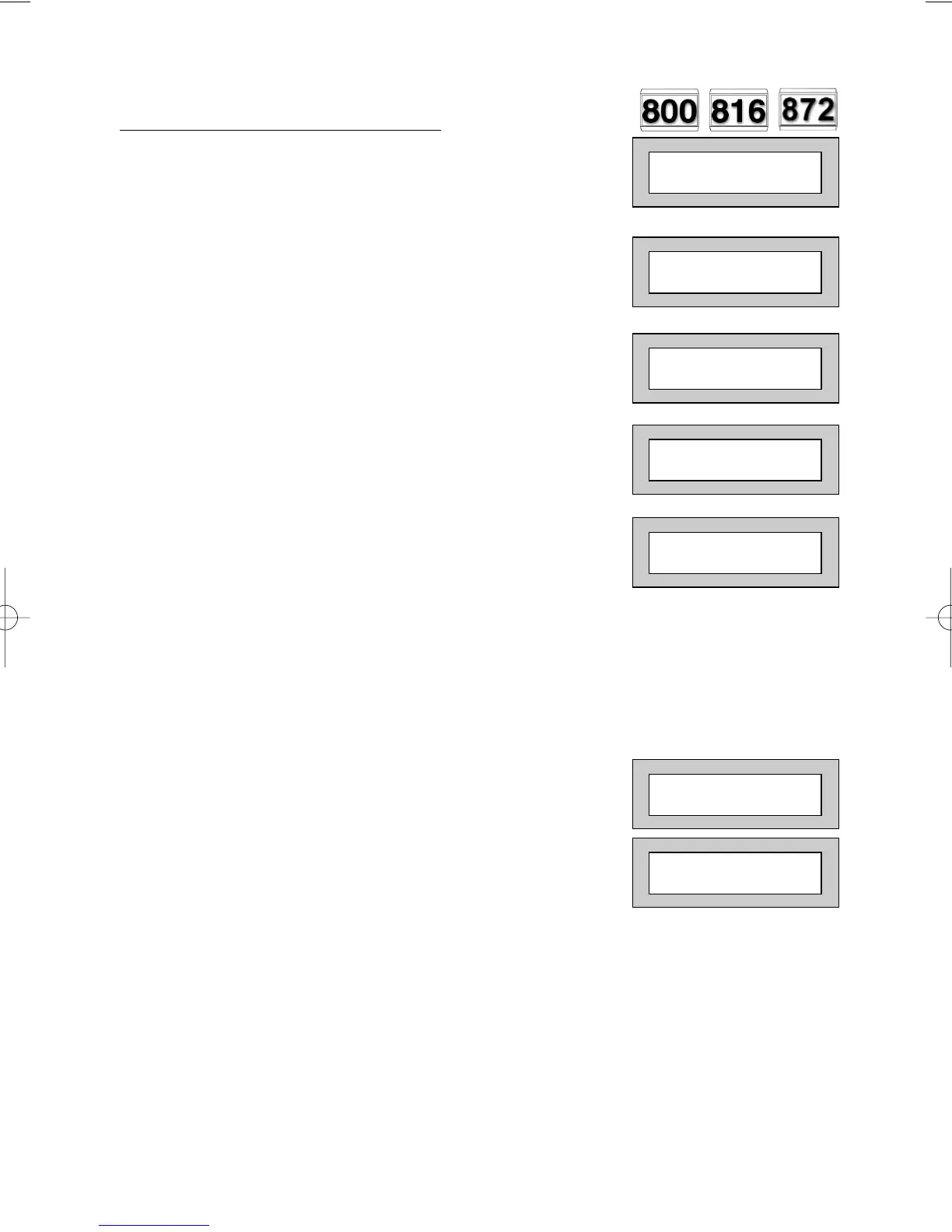
1) With the display showing:-
2) Enter a Master or Main level code,
the display will show:-
(User Names on 816 & 872 Only)
3) Press NO, the display will show:-
4) Press NO, the display will show:-
5) Press YES, the display will show:-
(This step not applicable on 800 & 872)
6) Press YES to test the full system
or
NO until the area you wish to test is shown
7) Press YES, the display will show:-
for 3 seconds
Then for example:-
8) Pressing 1 will enter zone Status mode (All zones will show on the display
and will be deleted as each zone is triggered). Press 0 to escape.
Pressing 6 will silence the internal sounder,
Pressing 4 will toggle the Strobe On/Off,
Pressing 9 will toggle the Bell On/Off
01 JAN 18 : 58 : 01
Do you want to . .
REMOVE Zones ?
Do you want to . .
TEST the System ?
Test ALL Areas ?
1=Status 4 = Strobe
6 = Sounder 9 = Bell
< All Zones ok >
TESTING . . .
Do you want to . .
SET the System ?



 To Next Page