Page 12
GARDTEC
800 Series
User Manual
9) Whilst in Test mode any zones violated
will sound the internal sounder (if it has
not been silenced) and show on the
display.
10) When you have finished testing the
system press 0 twice, the display will show:-
Viewing The Event Log
(Master code onl
y)
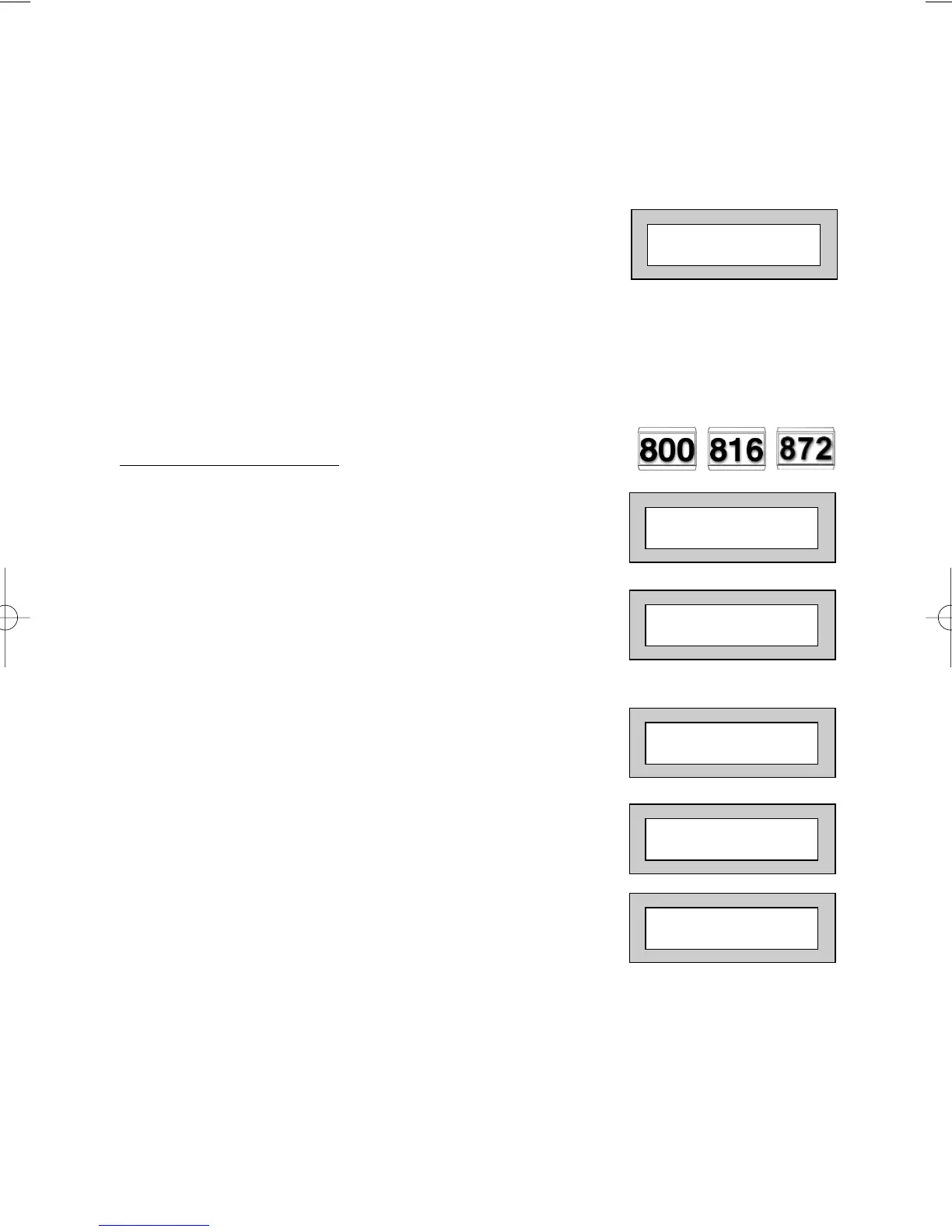
1) With the display showing:-
2) Enter a Master Code, the display
will show for example:-
(User Names on 816 & 872 Only)
3) Press NO three times, the display
will show:-
4) Press YES, the display will show:-
for 3 seconds
Then, for example:-
01 JAN 18 : 58 : 01
Do you want to . .
SET the System ?
Do you want to . .
View the LOG ?
While Viewing . . .
1 = Printer On / Off
Read Log
01 JAN 18 : 58 : 01
01 JAN 18 : 58 : 01



 To Next Page