Adding Areas to a System with Area(s) already set - Group
Master & Group Main Codes
If your system already has an Area or Areas already Set you may add more Area(s) as
required.
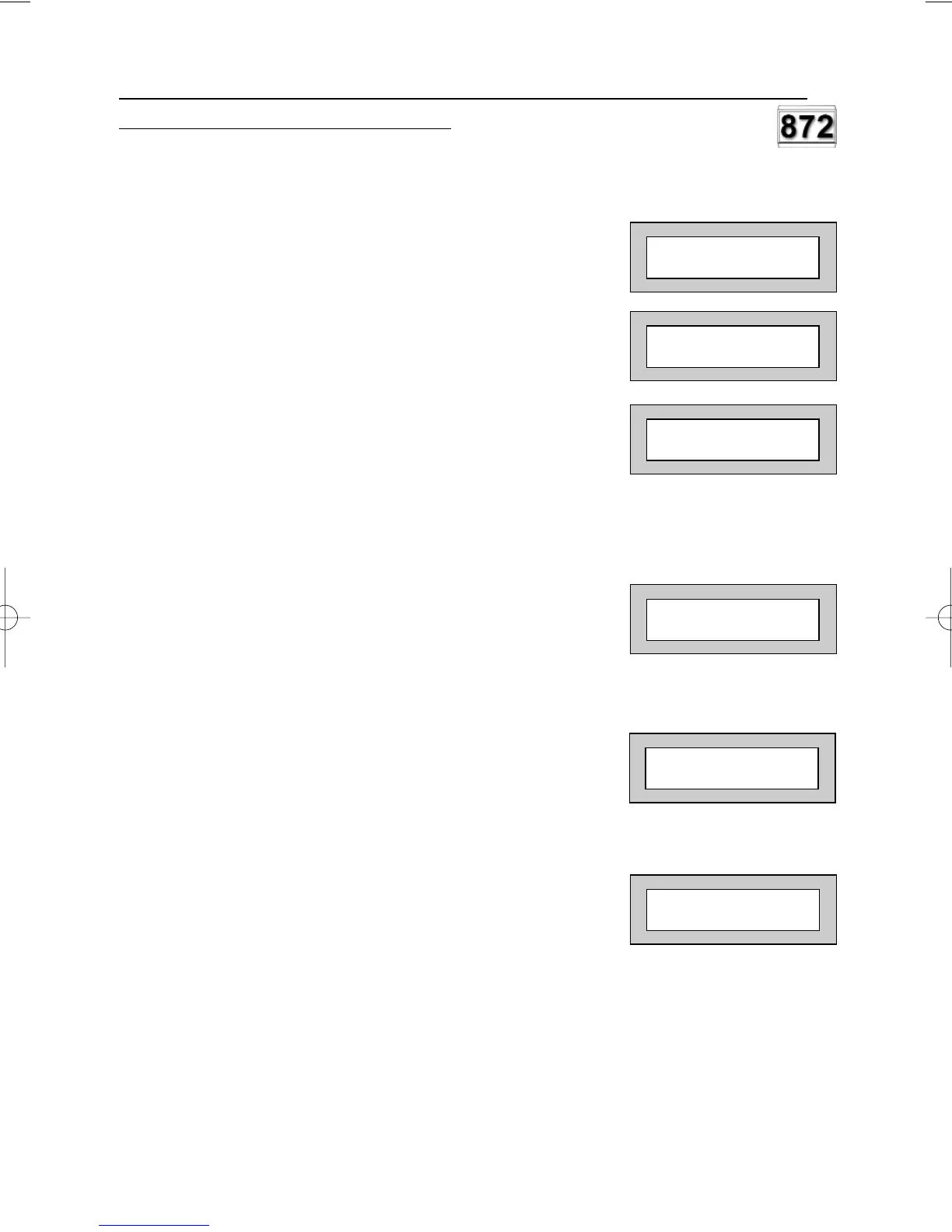
1) With the display showing for example:-
(Area 1 is already Set).
2) Enter a Group Master or Group Main level
Code. Display will show:-
3) Press YES. Display will show:-
4) If you Press YES all the remaining Areas
allocated to Code will be Set.
Or
If you Press NO. Display will show:-
5) In this example use the 2 or 3 key to add
Area(s) 2 or 3 to the system Set.
6) When you are happy with your selection
Press YES. The Exit sounder will sound then
the display will show, for example:-
In this example Area 3 has been added to the Set.
7) After 10 seconds the display will show:-
01 JAN 18 : 58 : 01
< < SET1 3 > >
01 JAN 18 : 58 : 01
< < SET1 > >
Set Area/s ?
Set ALL Area ?
Set
Off 2 3 Ok ?
01 JAN 18 : 58 : 01
User Manual
GARDTEC
800 Series
Page 38



 To Next Page