Page 24
User Manual
GARDTEC
800 Series
Or
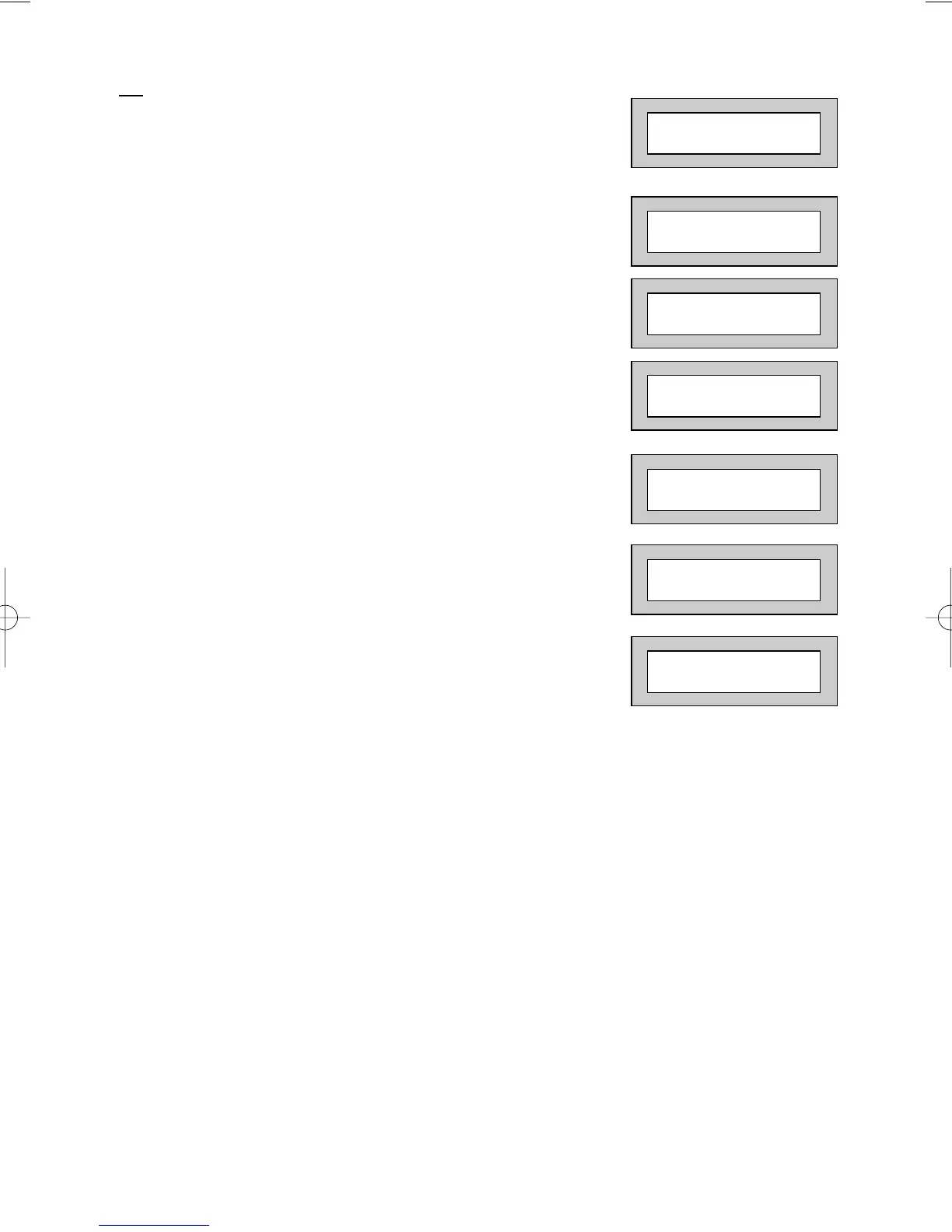
1) Enter a Master User code. The display will show:-
2) Press NO until the display shows:-
3) Press YES. The display will show, for example:-
4) Press YES. The display will show:-
5) Press NO. The display will show:-
6) Press YES. The display will show:-
7) Press 0 to return to:-
Provided that the next code entered is a valid engineer code, access will be granted to
him/her without further user intervention.
Do you want to . .
SET the System ?
Do you want to . .
Authorise Engnr ?
Engnr Authorisor
=Any
Engineer Access
is Off Ok?
Engineer Access
is On Ok?
Do you want to . .
Authorise Engnr ?
01 JAN 18 : 58 : 01



 To Next Page