nüvi 2405/2505 Series Owner’s Manual 9
About Locations
The detailed maps loaded in your device contain
locations, such as restaurants, hotels, and auto
services. You can use the Categories function to
browse for nearby businesses and attractions.
Finding a Location by Category
1
Select Where To?.
2
Select a category, or select Categories.
3
If necessary, select a subcategory.
4
Select a location.
Searching Within a Category
To narrow your search results, you can search
within some categories.
1
Select Where To?.
2
Select a category, or select Categories.
3
If necessary, select a subcategory.
4
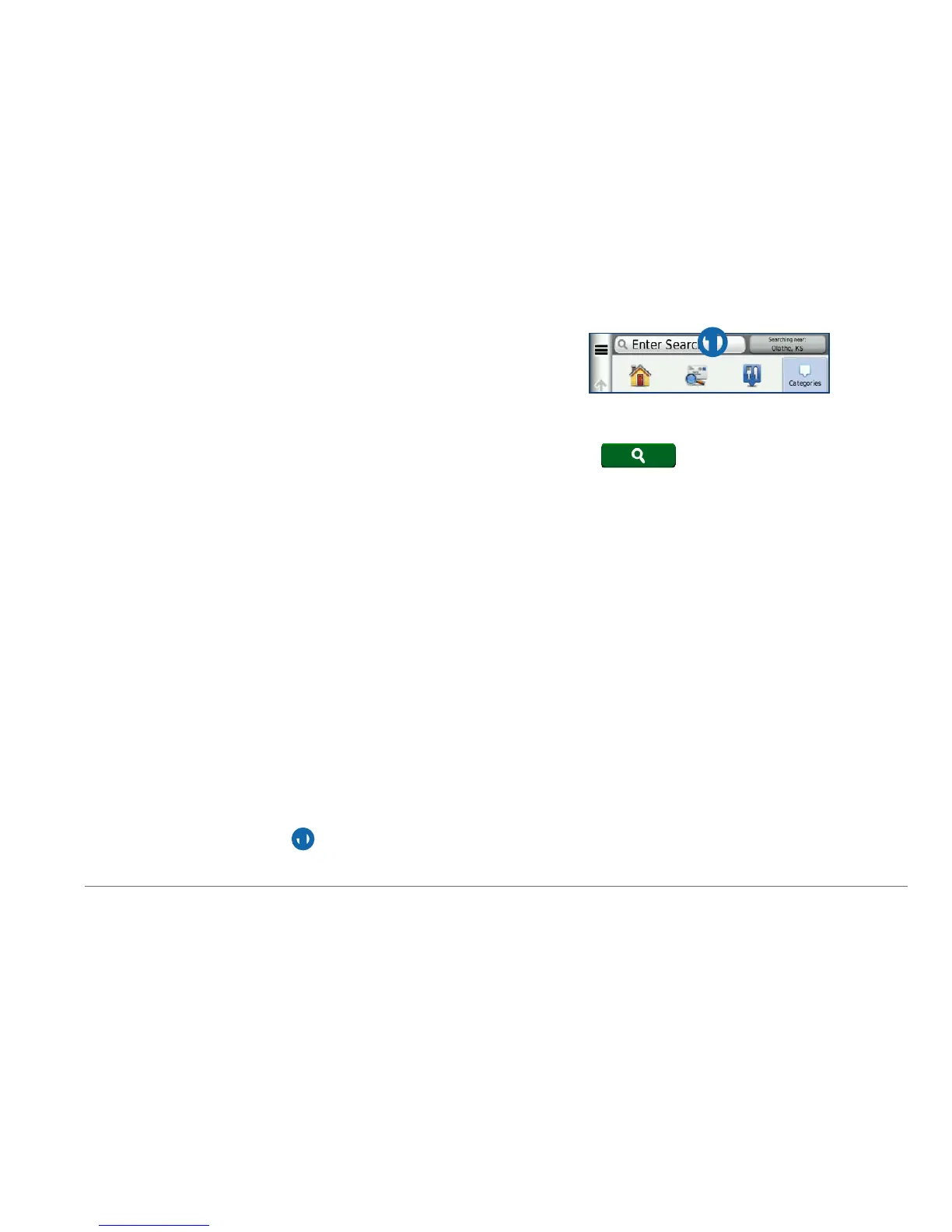
Select the search bar ➊.
➊
5
Enter all or part of the name.
6
Select .
Finding a Location Using the Search Bar
You can use the search bar to search for
locations by entering a category, brand name,
address, or city name.
1
Select Where To?.
2
Select the search bar.
3
Enter a search term.
Suggested search terms appear below the
search bar as you type.
• To search for a type of business, enter a
category name, such as “movie theaters”
or “coffee shops.”



 To Next Page