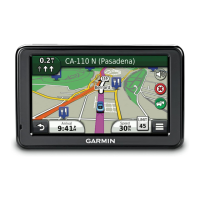
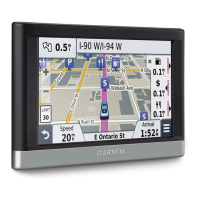
2 nüvi 2505 Quick Start Manual
Getting Started
‹ WARNING
See the Important Safety and Product
Information guide in the product box for product
warnings and other important information.
Setting Up Your Device
When using your device for the rst time,
complete the following tasks.
1
Connect the device to vehicle power (page
2).
2
Mount the device (page 2).
3
Register the device (page 3).
4
Check for updates.
• Software updates (page 4).
• Free map update (page 4).
5
Download the full owner’s manual (page 4).
Connecting the Device to Vehicle
Power
‹ WARNING
This product contains a lithium-ion battery.
To prevent the possibility of personal injury or
product damage caused by battery exposure
to extreme heat, remove the device from the
vehicle when exiting or store it out of direct
sunlight.
Notice
Before mounting the device, see the Important
Safety and Product Information guide for
information about laws pertaining to windshield
mounting.
Charge your device as you drive before using it
on battery power.
1
Plug the vehicle power cable ➊ into the
USB port
➋ on the device ➌.
2
Press the suction cup ➍ to the windshield.



 To Next Page