20 nüvi 2405/2505 Series Owner’s Manual
5
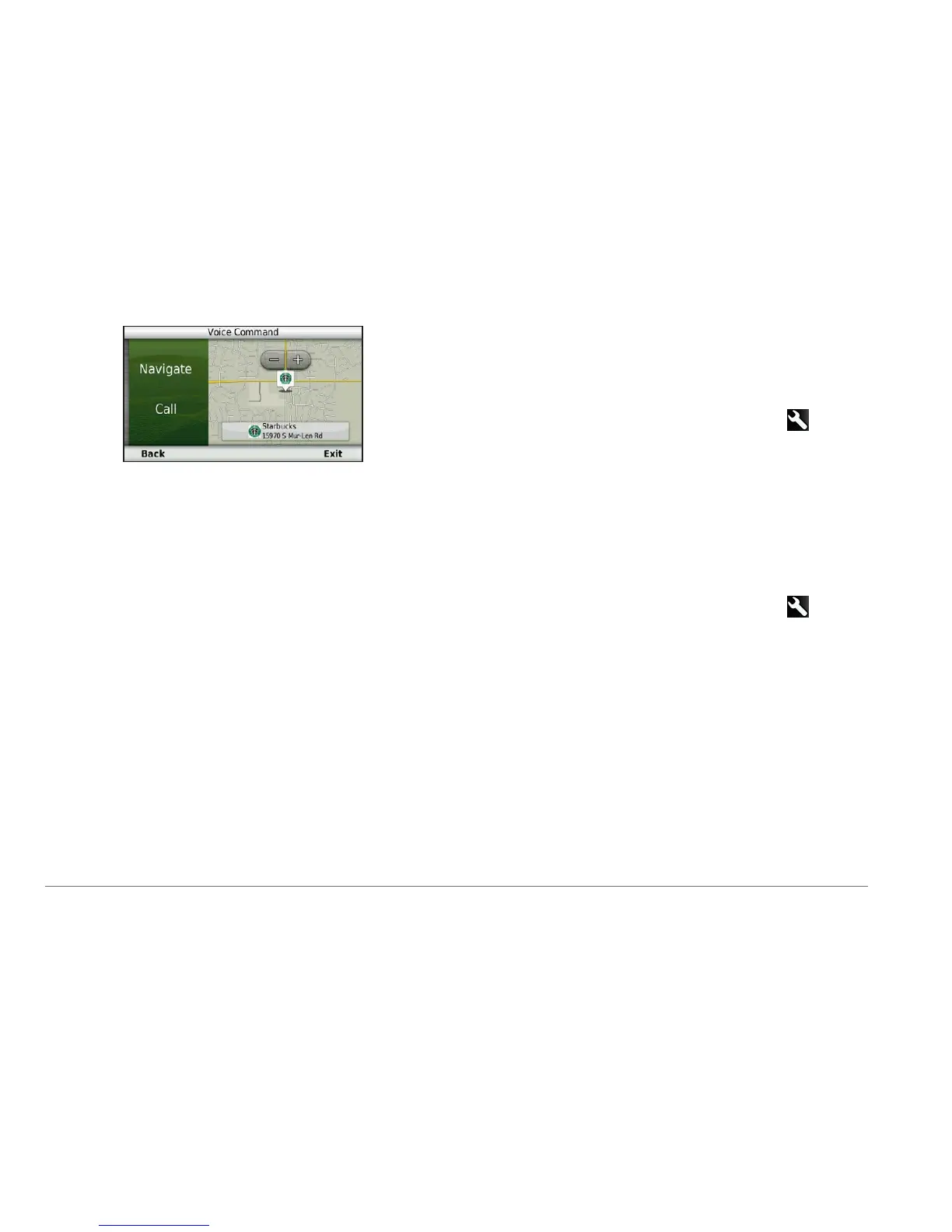
Say Navigate.
Finding an Address
1
Say Voice Command.
2
Say Find Address.
3
Speak the entire address.
Muting Instructions
You can disable the voice prompts for Voice
Command without muting the device.
1
Select Apps > Voice Command > .
2
Select Mute Instructions > Enabled.
Disabling Voice Command
You can disable Voice Command, which
prevents you from accidentally activating Voice
Command while speaking.
1
Select Apps > Voice Command > .
2
Select Voice Command > Disabled.



 To Next Page