1
Getting Started
Display
Getting Started
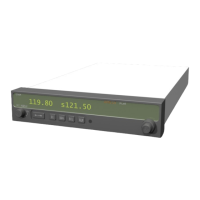
This guide describes the operation of the SL40 VHF Communication Transceiver.
Display
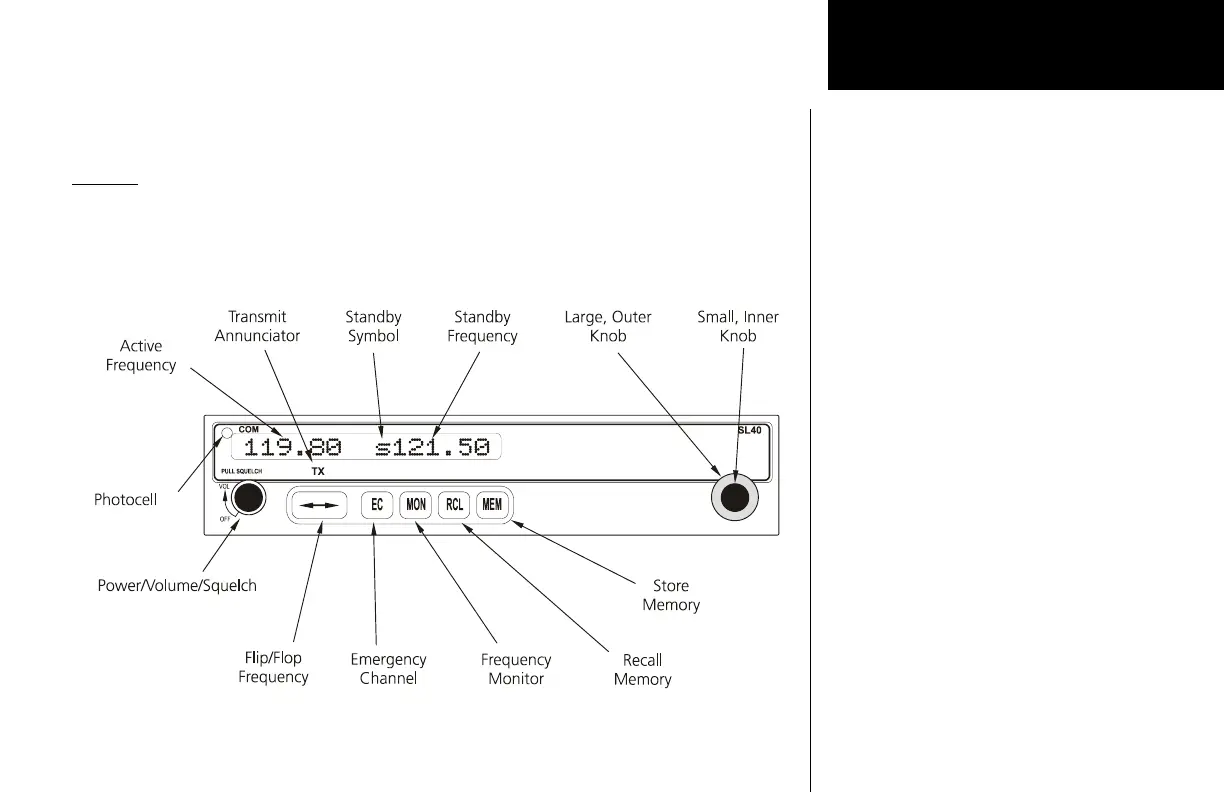
The 1-line by 16-character display is composed of 5x7 dot matrix alphanumeric high
intensity LEDs. A photocell is located in the top left corner of the front panel display. The
photocell automatically controls the intensity of the display from low brightness at night
to high brightness during daylight operation. Brightness levels may also be controlled
manually.
SL40 Display and Control Description





 To Next Page