EasyManua.ls Logo

Garmin GNC 255 - User Manual

Garmin GNC 255
138 pages
Print Icon
To Next Page IconTo Next Page
Loading...
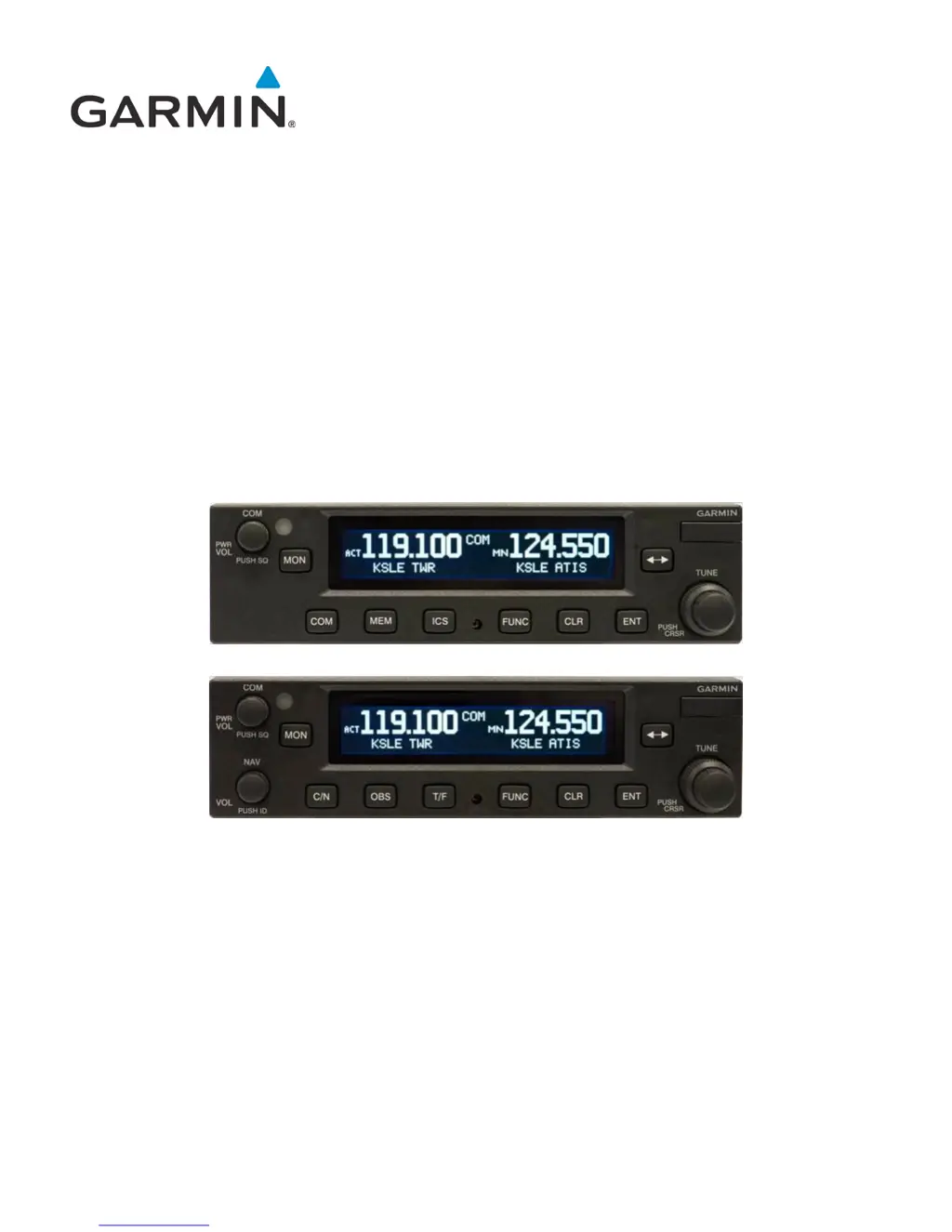
190-01182-02 March 2013 Revision B
GTR 225/GNC 255
TSO Installation Manual

Table of Contents

Other manuals for Garmin GNC 255

Questions and Answers

  • S
    Samuel TapiaJul 26, 2025
    How to troubleshoot Garmin GPS GNC 255 when it does not power on?
    • E
      Emma StoneJul 26, 2025
      If your Garmin GPS GNC 255 does not power on, it could be due to a lack of power. Check the power connections, breakers, and the main avionics switch. Alternatively, a faulty electrical wiring or connection could be the cause. In this case, contact your dealer to perform an electrical system test.
  • M
    Michael ZhangAug 1, 2025
    What to do if Garmin GPS GNC 255 does not transmit?
    • D
      Dr. Bryan CamposAug 1, 2025
      If your Garmin GPS GNC 255 does not transmit, it could be due to a lack of power to Com. Check the power connections. Another potential cause is the Mic key connection. Check the Mic key input connection.
  • S
    Sara LopezAug 6, 2025
    Why isn’t the intercom functioning on my Garmin GPS?
    • W
      wrightcarolAug 7, 2025
      If the intercom on your Garmin GPS isn’t functioning, it might be disabled via a remote mounted switch or through the menu. Check the connections. If there's no voice activation, or you must speak too loudly, check the ICS page for Intercom On/Off settings and adjust the intercom settings.
  • D
    Dale DeanAug 12, 2025
    How to fix Garmin GPS when can’t change active frequency?
    • A
      Amy TorresAug 12, 2025
      If you can't change the active frequency on your Garmin GPS, the Com Radio may not be communicating, or the radio may be in lockout mode (tuned to 121.50). If in Lock Out mode, press the external Com FLIP/FLOP key for two seconds to return to normal operation or cycle the avionics power. If the condition persists, contact dealer.
  • M
    Michael MurphyAug 19, 2025
    What does it mean when Garmin GPS OBS readout displays “---”?
    • B
      Bernard RobertsAug 19, 2025
      If the OBS readout on your Garmin GPS displays “---”, it could be due to a resolver failure. In this case, contact dealer. Another possible cause is a calibration error. Recalibrate the resolver.

Summary

General Description and Specifications

Technical Performance Specifications

Detailed performance parameters for COM, VOR, LOC, Glideslope functions.

Installation Guidelines and Overview

Installation Procedures

Mounting and Connection Procedures

Step-by-step guide for rack, unit, and antenna installation.

Electrical Interfaces and Pinouts

Connector Pinout Details

Comprehensive pin functions for COM (P2001) and NAV (P2002) boards.

Post-Installation Configuration and Verification

Configuration Mode Operations

Accessing and setting unit parameters via configuration menus.

Ground and Flight Checks

Procedures for verifying system functionality and performance.

Data Formats and Communication Protocols

Garmin GNC 255 Specifications

General IconGeneral
Channels760
Frequency Range118.000 to 136.975 MHz
Channel Spacing25 kHz
Input Voltage11 to 33 VDC
Dimensions159 x 50 x 193 mm

Related product manuals