EasyManua.ls Logo

Garmin GTR 225A - User Manual

Garmin GTR 225A
46 pages
Print Icon
To Next Page IconTo Next Page
Loading...
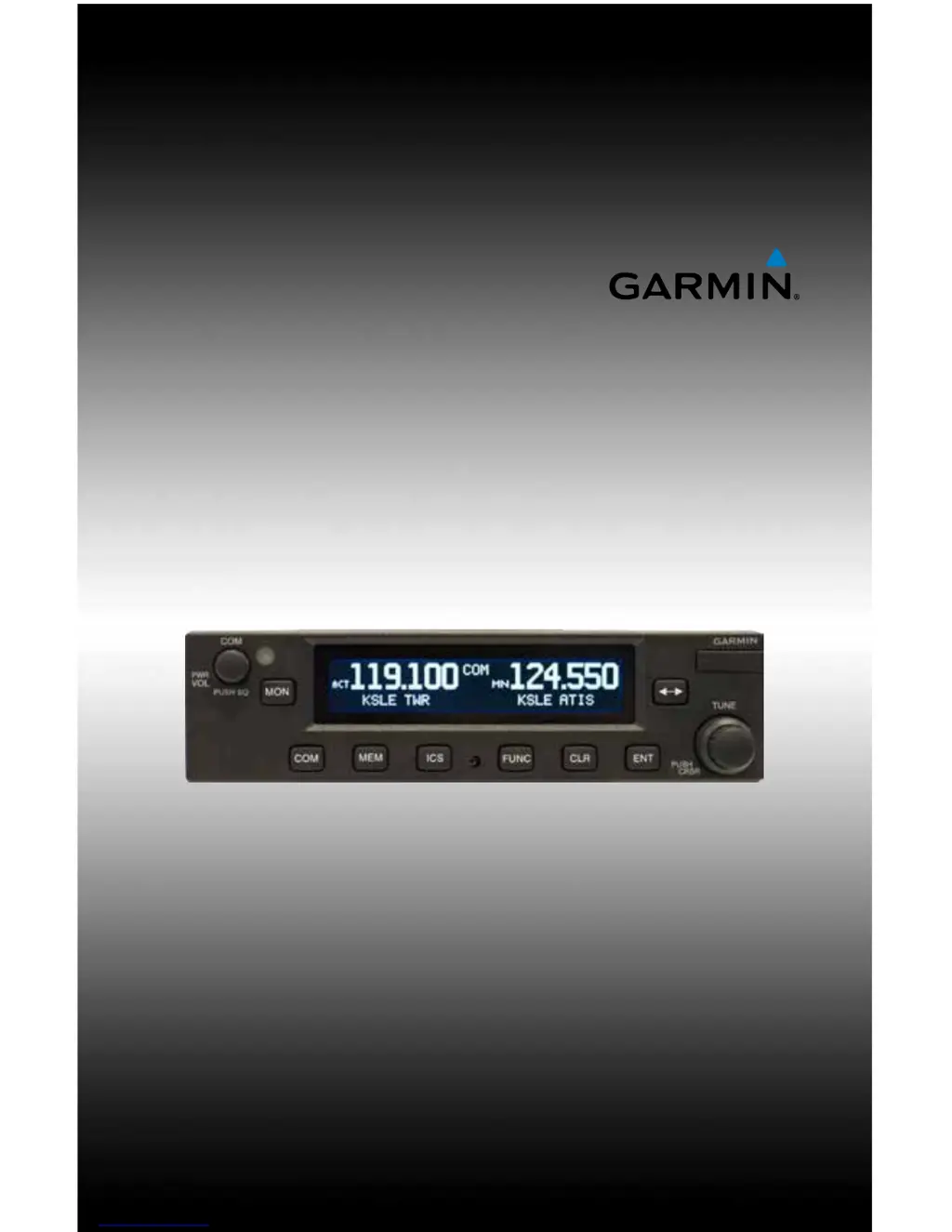
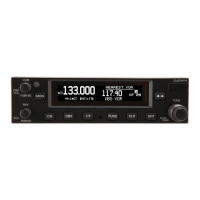
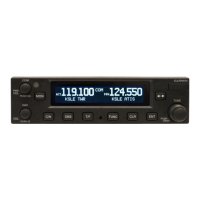
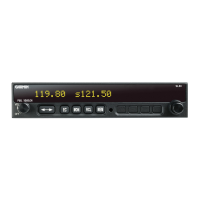
GTR 225/225A/225B
Pilot’s Guide

Other manuals for Garmin GTR 225A

Questions and Answers

  • S
    Steven VillaAug 19, 2025
    What to do if Garmin GTR 225 Transceiver does not transmit?
    • G
      Gregory DiazAug 20, 2025
      If your Garmin GTR 225 Transceiver isn't transmitting, start by checking the power connections to ensure the COM has power. Also, verify the mic key input connection is properly connected.
  • C
    Chelsea ReeseAug 21, 2025
    How to troubleshoot a Garmin GTR 225 Transceiver that does not power on?
    • J
      James LeeAug 21, 2025
      If your Garmin GTR 225 Transceiver does not power on, there are a couple of things you can check: * First, ensure that there is power reaching the unit by checking the power connections, breakers, and the main avionics switch. * Also, a faulty electrical wiring or connection may be the reason. In this case, it is best to contact your dealer to perform an electrical system test.
  • C
    Cynthia GutierrezAug 23, 2025
    Why I am unable to change the active frequency on my Garmin GTR 225A Transceiver?
    • F
      Fernando JordanAug 23, 2025
      If you're unable to change the active frequency on your Garmin Transceiver, it could be due to the COM radio not communicating or being in lockout mode. If it is in Lock Out mode, press the external COM FLIP/FLOP key for two seconds to return to normal operation, or cycle the avionics power. If the condition persists, contact dealer.
  • P
    Peggy SmithAug 26, 2025
    How to fix Garmin GTR 225A intercom that doesn’t function?
    • R
      Rebecca TateAug 26, 2025
      If the intercom on your Garmin Transceiver isn't functioning, first check the connections. The intercom can be enabled or disabled via a remote-mounted switch or through the menu. Also, if there is no voice activation, or if you must talk too loud, check the ICS page and adjust the intercom settings (Intercom On/Off).
  • C
    Christopher JohnsonAug 27, 2025
    What does it mean when my Garmin Transceiver displays 'COM RADIO - COM radio may be inoperative'?
    • C
      chenhenryAug 27, 2025
      This message indicates that the COM radio is not communicating properly with the system. To attempt to resolve this, press and hold the volume knob or the external COM remote transfer (COM RMT XFR) switch, if installed – this will force the COM radio to 121.5 MHz. Contact dealer for service.
  • K
    Kenneth RichardsonAug 29, 2025
    Why does my Garmin GTR 225A show 'COM RADIO - COM overtemp or undervoltage. Reducing transmitter power'?
    • G
      Gregory GloverAug 29, 2025
      This message indicates that the COM radio is in overtemp or undervoltage mode, and transmitting power has been reduced to prevent damage. To address this, decrease the length of COM transmissions, lower the cabin temperature, and increase cabin airflow, especially near the GTR. Also, check the aircraft voltage and reduce electrical load as necessary. Contact dealer for service if this message persists.
  • S
    Samuel HarringtonSep 1, 2025
    What to do if Garmin GTR 225A shows 'REMOTE KEY STUCK - COM push-to-talk key is stuck'?
    • N
      nsmithSep 1, 2025
      This message indicates that the Push To Talk key/switch has been in the pressed position for at least 30 seconds. Verify the Push To Talk key/switch is not stuck. Contact dealer for service if this message persists.
  • M
    Molly ClarkSep 2, 2025
    What does 'FEATURE UNLOCK FAILURE' mean on my Garmin GTR 225A?
    • A
      Alison StewartSep 3, 2025
      This message indicates that the database on the USB flash drive is corrupt, or the system ID in the database does not match the unit’s system ID. Verify that the correct system ID is entered into flyGarmin.com when downloading the database. Contact Garmin Customer Support if this message persists.
  • A
    Allison CochranSep 4, 2025
    What should I do if my Garmin GTR 225A displays 'COM RADIO - COM radio needs service'?
    • M
      maxwelljamesSep 4, 2025
      This message means that the COM radio is reporting that it needs service. Cycle the power to the COM radio. Contact dealer for service.
  • M
    mariawallerSep 6, 2025
    What does it mean when my Garmin GTR 225A Transceiver displays 'REMOTE KEY STUCK - COM remote transfer key is stuck'?
    • S
      Shannon SanchezSep 7, 2025
      This message means the remote COM transfer (COM RMT XFR) key/switch has been in the pressed position for at least 30 seconds. Verify the COM RMT XFR key/switch is not stuck. Contact dealer for service if this message persists.

Garmin GTR 225A Specifications

General IconGeneral
Frequency Range118.000 to 136.975 MHz
Power Output10W
TypeVHF Transceiver
Channel Spacing25 kHz
Channels760
Operating Voltage11.5 - 33.0 VDC
Voltage Range11.5 - 33.0 VDC
Operating Temperature-20 to +55 °C

Related product manuals