3-16
Garmin GTR 225/225A/225B Pilot’s Guide
190-01182-00 Rev. B
3.5.3 Viewing Timers in the COM Display
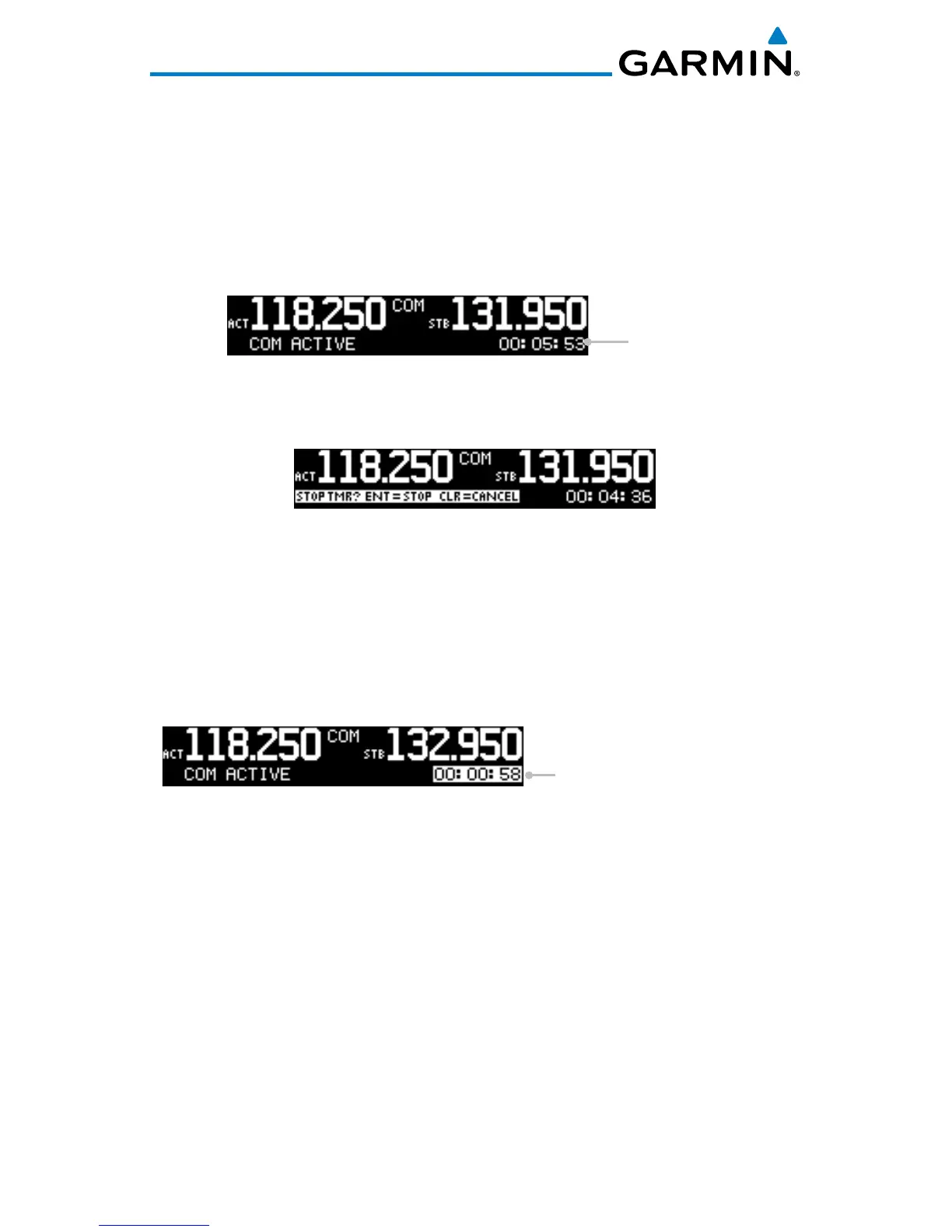
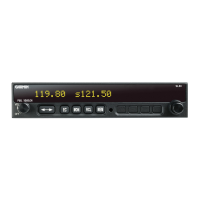
When a timer is active, the timer value will be shown in the lower right corner
of the COM display. While both timers may be actively counting at the same
time, the count down timer will have precedence in being shown. If the count
down timer is paused, the count up timer will then be shown until the count
down timer is restarted.
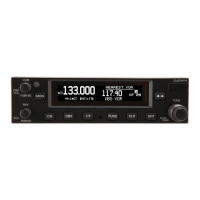
Timer Value
Timer Value Shown in the COM Display
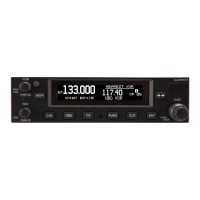
Clearing and Stopping Displayed Timers
Clearing and Stopping Timers
1. To reset the timer, press CLR and then ENT.
2. To stop the displayed timer, press ENT twice.
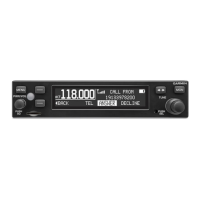
When the count down timer reaches 0:00, it will continue counting as a count
up timer. The count down timer, which is counting up, will be highlighted. A
count up timer will continue counting separately.
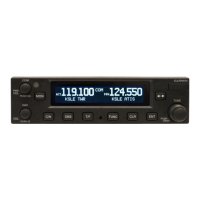
Count Down Timer Value
Highlighted When Counting Up
COM Display with Count Down Timer Now Counting Up



 To Next Page