3
Getting Started
EC (Emergency Channel)
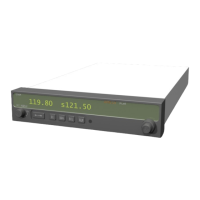
Press the EC button to load the Emergency Channel (121.500 MHz) as the standby frequency. The
Monitor function is automatically enabled.
MON (Monitor)
Press the MON button to listen to the standby frequency. When the active frequency receives a signal,
the unit will switch automatically to the active frequency.
RCL (Recall)
Press the RCL button to retrieve stored frequencies.
MEM (Memory)
Press the MEM button to store the displayed Standby frequency in memory.
Controls













 To Next Page