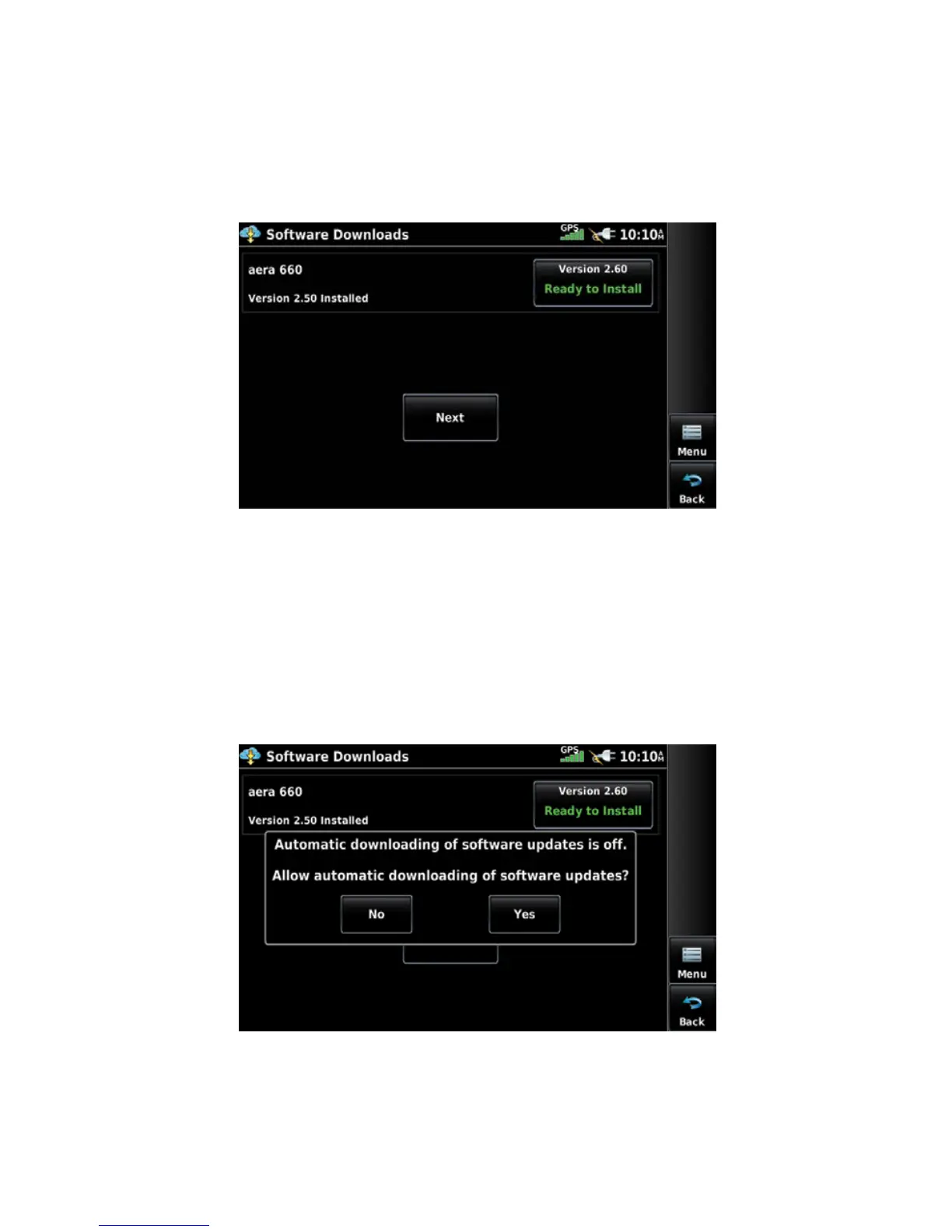
User-Initiated software download/install:
1)
From the Main Menu, touch Tools > Downloads.
2)
Touch Menu > Software Downloads.
3)
Touch the desired software update and touch Next.
4)
Read the Software License Agreement and touch Agree and Install.
Software Downloads Page
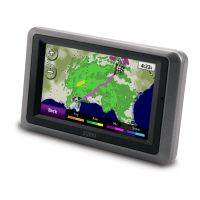
Enabling automated software downloading:
1)
If Automatic Software Downloading is currently disabled, from the Main
Menu, touch Tools > Downloads.
2)
Touch Menu > Software Downloads > Menu.
3)
Touch Yes.
Enabling Automatic Software Downloads









 To Next Page