44 nüvi 800 Series Owner’s Manual
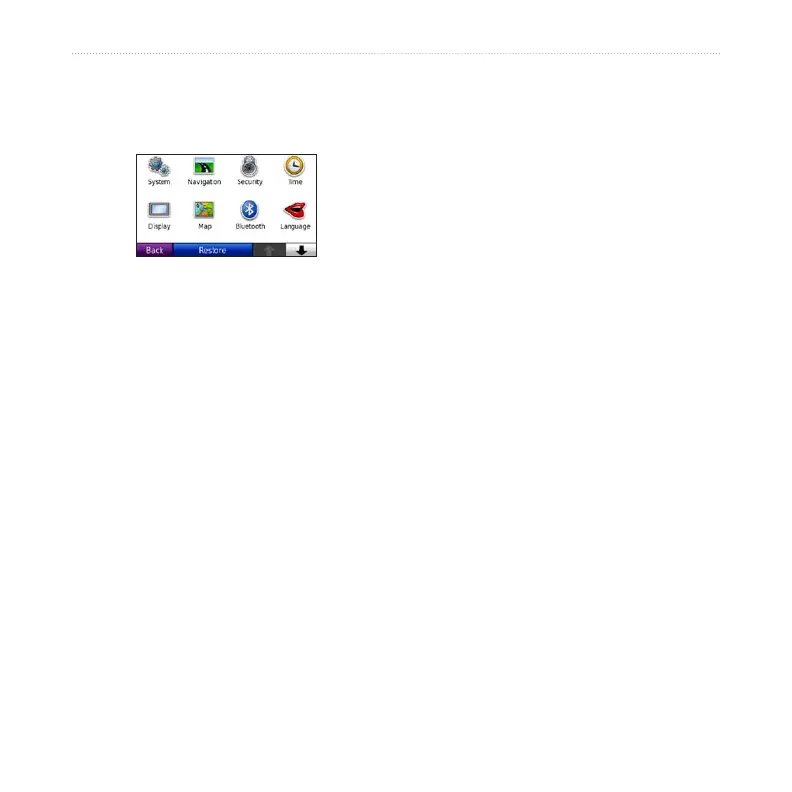
Customizing the nüvi
Customizing the nüvi
1. Touch Tools > Settings.
2. Touch the setting you want to change.
3. Touch the button beside the setting
name to change it.
Changing the System
Settings
Touch Tools > Settings > System.
GPS Simulator—turn on the simulator
to turn off the GPS mode and simulate
navigation and/or to save battery power.
Usage Mode—specify how you will
be navigating to optimize routes:
Automobile, Bicycle, or Pedestrian.
Units—change units of measure to
Kilometers or Miles.
Keyboard—select QWERTY for a
layout similar to a computer keyboard,
or select ABC for an alphabetical layout.
Remote—activate new remotes to use
with your nüvi or deactivate remotes that
are paired with your nüvi. You can have
up to two remotes paired with your nüvi
at one time.
About—display the nüvi software
version number, the unit ID number, and
the audio version number. You need this
information when you update the system
software or purchase additional map data
(see page 57).
Restore—restore the system settings.
Changing the Navigation
Settings
Touch Tools > Settings > Navigation.
Route Preference—select a preference
for calculating your route:


 To Next Page