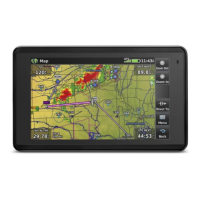
Garmin aera 760 Pilot’s Guide
190-02674-00 Rev. B
Appendix C
174
OverviewNavigationFlight PlanningHazard AvoidanceAdditional FeaturesAppendicesIndex
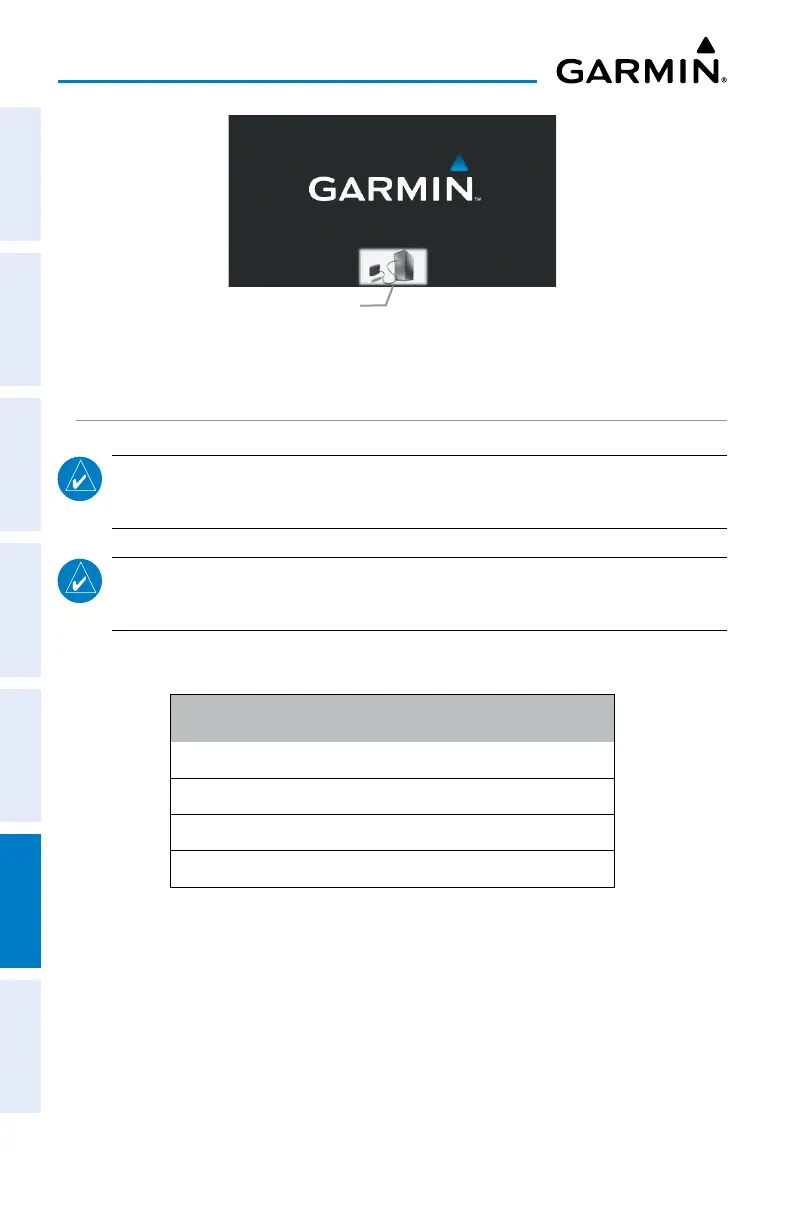
Mass Storage Mode
Mass Storage Icon
MANAGING FILES
NOTE:
The aera 760 is not compatible with Windows95
®
, 98, Me, Windows
NT
®
, and Mac
®
OS 10.3 and earlier.
NOTE:
PDFs must be stored in the "PDF" folder located in the root directory.
The user may organize the PDFs inside this folder by creating additional folders.
Files can be stored in the aera 760 internal memory or the optional memory card.
Supported File Types
GPX route files
GPI custom POI files from the POI Loader Application
Maps, routes, trip logs, and waypoints from MapSource
®
PDFs
aera 760 File Types
MAPSOURCE DETAILED MAPS
The included USB Interface Cable is used to transfer MapSource
®
CD-ROM data to
the aera 760 internal memory or optional MicroSD Card.


 To Next Page