Getting Started
WARNING
See the Important Safety and Product Information guide in the
product box for product warnings and other important
information.
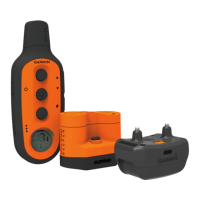
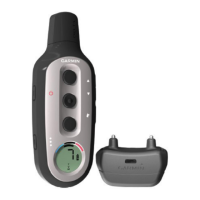
Setting Up the Delta Upland System
Before you can use the Delta Upland system, you must set up
the devices.
1
Attach the dog collar device to the collar strap (Attaching the
Devices to the Collar Strap).
2
Charge the handheld device (Charging the Handheld
Device).
3
Charge the dog collar device (Charging the Dog Collar
Device).
4
Turn on the devices (Turning On the Devices).
5
If necessary, pair the dog collar device with the handheld
device (Pairing a Dog Collar Device with the Handheld
Device).
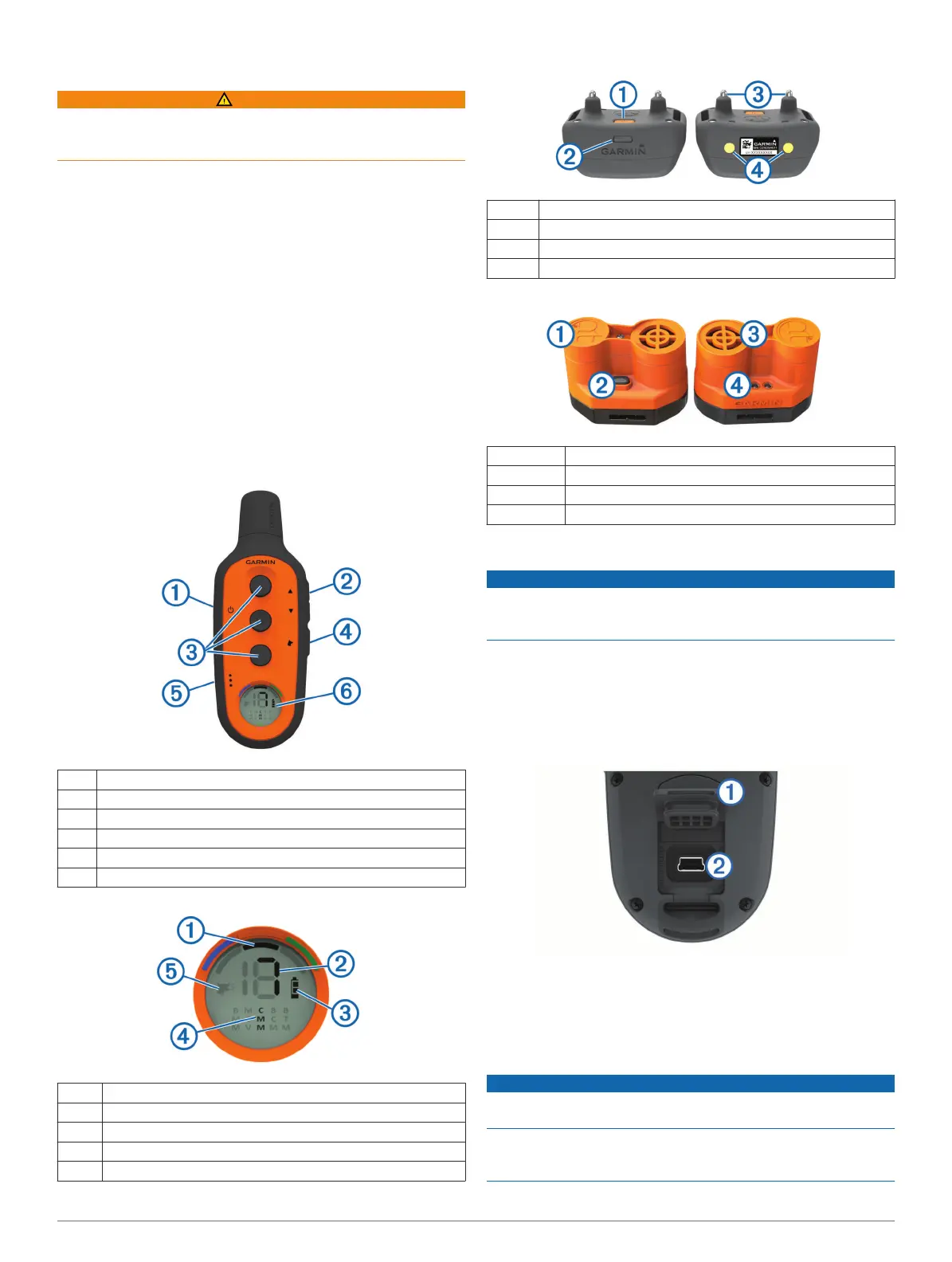
Device Overviews
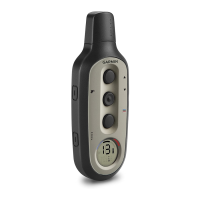
Delta Upland Handheld Device
À
Power key
Á
Intensity level selection keys
Â
Training keys
Ã
Dog collar device selection key
Ä
Training mode selection key
Å
LCD display
LCD Display
À
Selected dog collar device
Á
Stimulation intensity level
Â
Battery charge level
Ã
Selected training mode
Ä
Bark correction mode
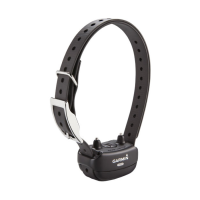
Delta Upland Dog Collar Device
À
Power key
Á
Status LED
Â
Contact points
Ã
Charging clip contacts
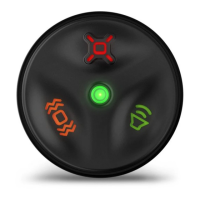
Beeper Device Overview
À
Battery cover
Á
Power key
Â
Speaker
Ã
Status LEDs
Charging the Handheld Device
NOTICE
To prevent corrosion, thoroughly dry the USB port, the weather
cap, and the surrounding area before charging or connecting to
a computer.
You should fully charge the battery before you use the device
for the first time. Charging a fully depleted battery takes about 2
hours.
NOTE: The device will not charge when it is outside the
temperature range of 32° to 104°F (0° to 40°C).
1
Lift the weather cap
À
.
2
Plug the small end of the power cable into the mini-USB port
Á
on the device.
3
Plug the other end of the power cable into an appropriate
power source.
Charging the Dog Collar Device
NOTICE
To prevent corrosion, thoroughly dry the contacts on the collar
and the surrounding area before connecting the charging clip.
Before you put the collar on the dog, remove the charging clip. If
you do not remove the clip, it may become detached from the
collar and become lost.
Getting Started 1



 To Next Page