echo 200, echo 300c, echo 500c, and echo 550c Owner’s Manual 13
Using the echo
From the Full Screen page (page 4), select MENU > Setup > Sonar
Setup > A-Scope > On.
You can set an alarm to sound when the depth is shallower or deeper than a
specied value.
NOTE: Alarm settings are saved when the device is turned off.
1. From any page, select MENU > Setup > Alarms.
2. Select an option:
• To sound an alarm when the depth is shallower than the specied
depth, select Shallow Water > On.
• To sound an alarm when the depth is deeper than the specied depth,
select Deep Water > On.
3. Enter the value (page i) of the alarm setting.
4. Select ENTER to accept the value.
The alarm setting appears.
5. Select Done or Conrm.
You can set an alarm to sound when the battery reaches a specied low
voltage.
NOTE: Alarm settings are saved when the device is turned off.
1. From any page, select MENU > Setup > Alarms > Battery > On.
2. Enter the value of the alarm setting (page i).
3. Select ENTER to accept the value.
The alarm setting appears.
4. Select Done or Conrm.
You can set an alarm to sound when the device detects a suspended target.
NOTE: Alarm settings are saved when the device is turned off.
1. From any page, select MENU > Setup > Alarms > Fish.
2. Select an option:
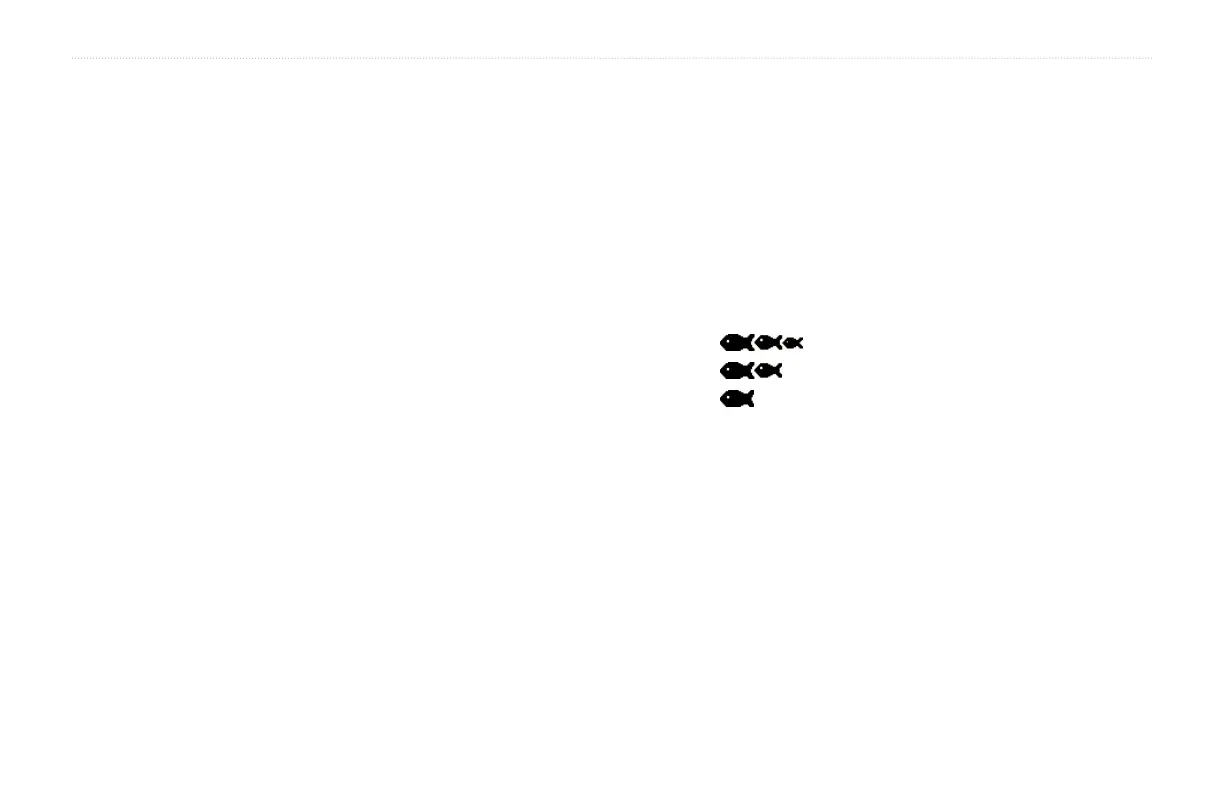
• Select to sound an alarm for all sh sizes.
• Select to sound an alarm for medium and large sh only.
• Select to sound an alarm for large sh only.
If the device is connected to a temperature transducer, you can set an alarm
to sound when the water temperature varies more than ± 2 °F (±.1.1 °C).
NOTE: Alarm settings are saved when the device is turned off.
1. From any page, select MENU > Setup > Alarms > Water Temperature
> On.
2. Enter the value of the alarm setting (page i).
3. Select ENTER to accept the value.
The alarm setting appears.
4. Select Done or Conrm.


 To Next Page