4 echo 200, echo 300c, echo 500c, and echo 550c Owner’s Manual
Viewing Pages
Pages allow you to view sonar information in different formats.
• Three sonar pages
◦ Full Screen page (page 4)
◦ Split Zoom page (page 5)
◦ Split Frequency page (page 5)
• Log page for temperature or depth (page 6)
• Flasher page (page 8)
• Numbers page (page 8)
1. From any page, select MENU > Pages.
2. Select a page.
TIP: When using the echo 200, the echo 500c, or the echo 550c, select or
from any page to quickly access the page menu. Select or to select a
page.
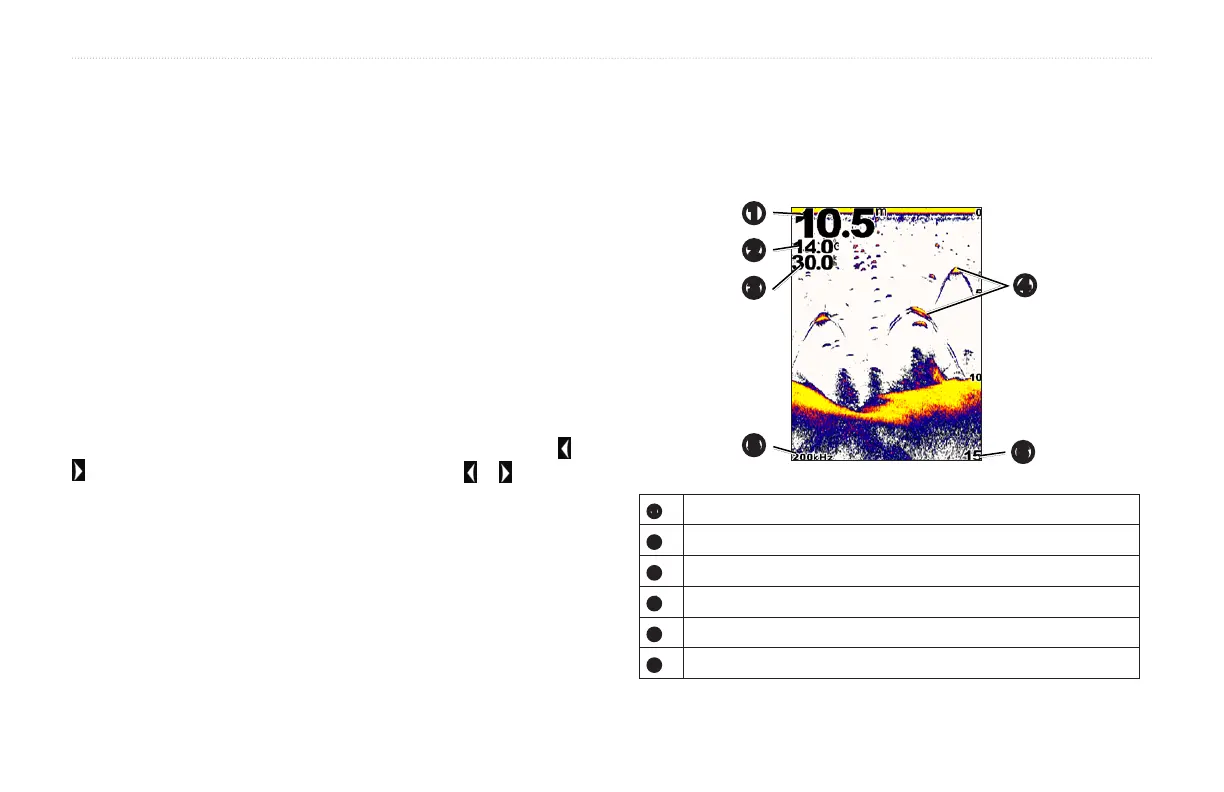
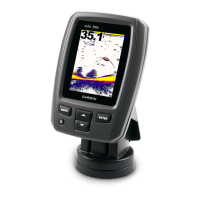
The Full Screen page shows a full-view graph of sonar readings from a
transducer.
From any page, select MENU > Pages > Full Screen.
➍
➏
➎
➊
➋
➌
➊
Bottom depth at your present location.
➋
Water temperature.
➌
Water speed (if a water-speed capable transducer is connected).
➍
Suspended targets.
➎
Transducer frequency.
➏
Screen depth as screen scrolls from right to left.


 To Next Page