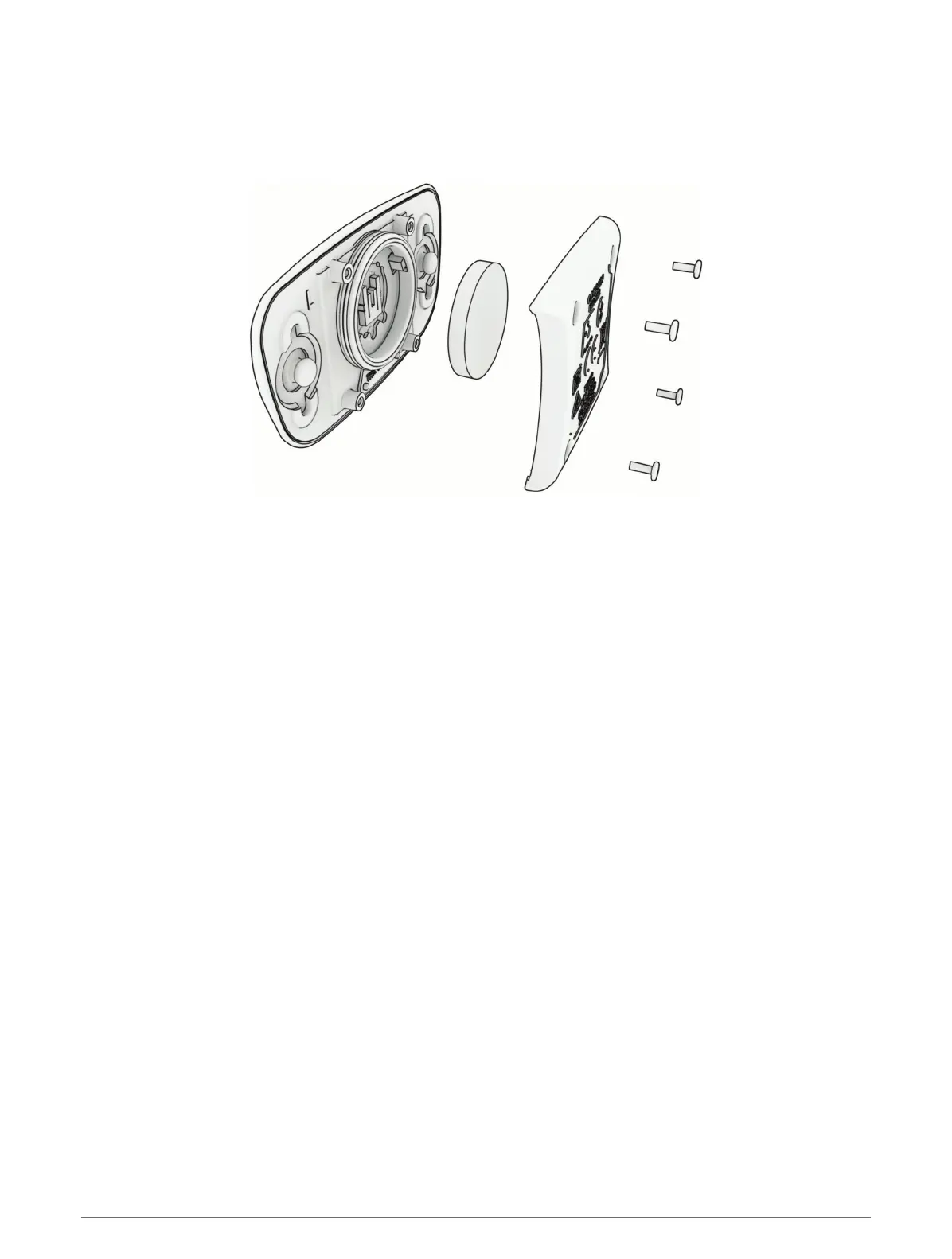
Replacing the HRM-Dual Battery
1 Use the included screwdriver (Torx T5) to remove the four screws on the back of the module.
NOTE: HRM-Dual accessories produced before September 2020 use Phillips #00 screws.
2 Remove the cover and battery.
3 Wait 30 seconds.
4 Insert the new battery with the positive side facing up.
NOTE: Do not damage or lose the O-ring gasket.
5 Replace the back cover and the four screws.
NOTE: Do not overtighten.
After you replace the heart rate monitor battery, you may need to pair it with the device again.
66 Device Information



 To Next Page