Forerunner 310XT Quick Start Manual 5
Step 1: Charge the
Battery
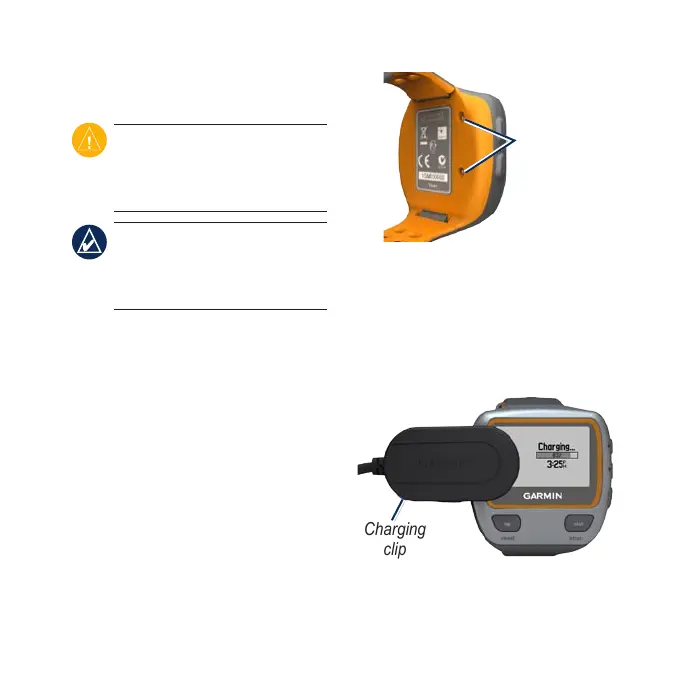
CAUTION: To prevent corrosion,
thoroughly dry the charging
contacts and the surrounding area
before charging.
TIP: The Forerunner will
not charge when outside the
temperature range of 32°F–122°F
(0°C–50°C).
1. Plug the USB connector on the
charging clip cable into the AC
adapter.
2. Plug the AC adapter into a
standard wall outlet.
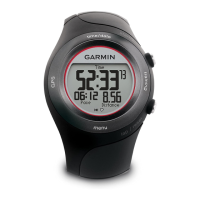
3. Align the charging clip posts with
the contacts on the back of the
Forerunner.
Contacts
4. Clip the charger securely over the
face of the Forerunner.
A fully charged battery will last up to
20 hours, depending on usage.
Charging
clip


 To Next Page