4 Forerunner 310XT Quick Start Manual
➏
arrows (up/down)
Press to scroll through menus and
settings.
TIP: Press and hold the
arrows to scroll quickly through
the settings.
Press to scroll through training
pages during a workout.
On the Virtual Partner
®
page,
press and hold to adjust the
Virtual Partner pace.
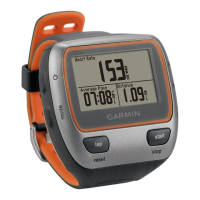
Forerunner Backlight
Press to turn on the backlight.
Use to adjust the backlight
level. This window also shows
several status icons.
•
•
•
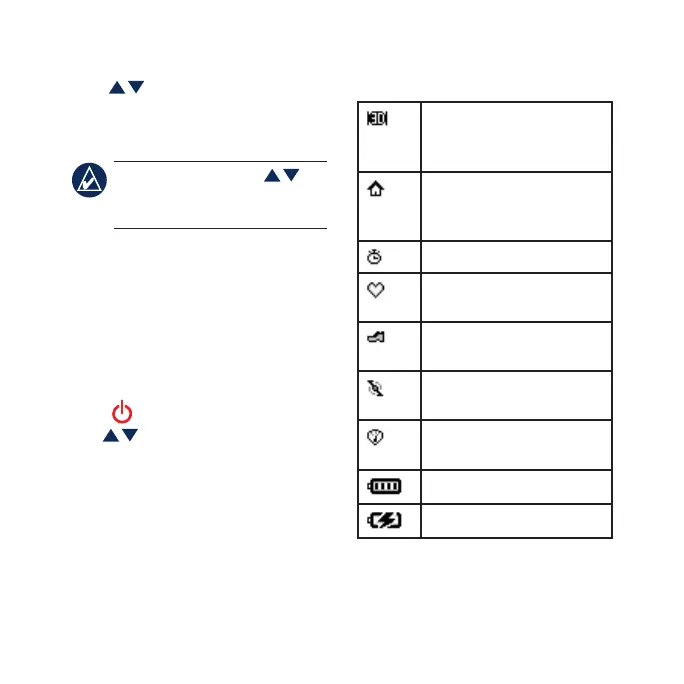
Icons
GPS is on, and the
Forerunner is receiving
satellite signals.
GPS is off for use indoors
or for training with the
optional foot pod sensor.
The timer is running.
The heart rate sensor is
active.
The foot pod sensor is
active.
The cadence sensor is
active.
The power sensor is
active.
Battery charge level.
The battery is charging.


 To Next Page