Forerunner 310XT Quick Start Manual 9
5. Press menu > select Settings
> Run Settings > Heart Rate >
ANT+ HR > �es.
Heart Rate Settings
For the most accurate calorie
data, set your maximum heart rate
and resting heart rate. You can
set ve heart rate zones to help
you to measure and increase your
cardiovascular strength.
1. Press mode > select Settings >
Run Settings > Heart Rate > HR
Zones.
2. Follow the on-screen instructions.
Step 5: Customize �our
Sport Settings (Optional)
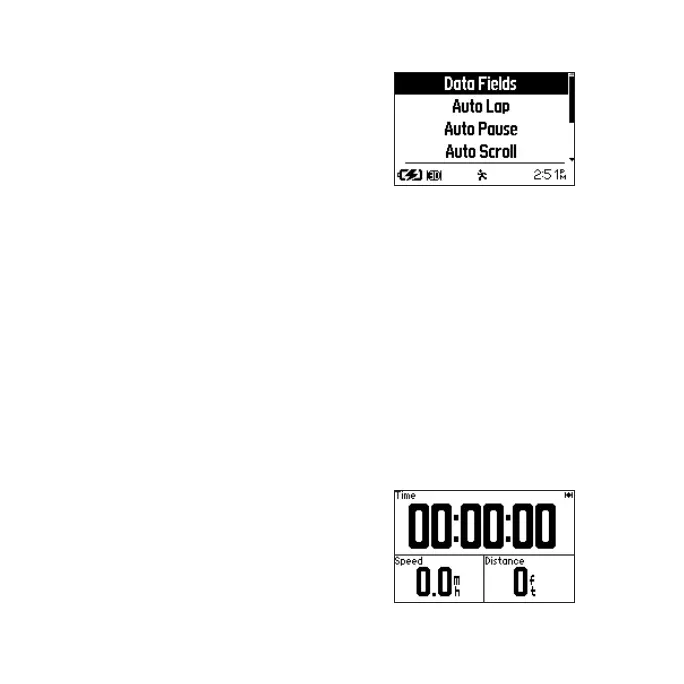
Press mode > select Settings.
Select Data Fields to customize up
to four data pages. Each data eld
is dened in the Forerunner 310XT
Owner’s Manual. The manual also
contains information about Auto
Lap
®
, Auto Pause
®
, Auto Scroll,
additional ANT+ accessories, Virtual
Partner, and bike mode settings.
Step 6: Go workout!
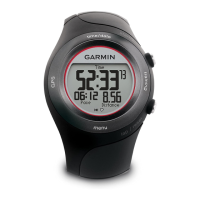
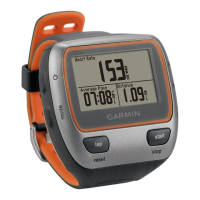
1. Press mode to view the training
page.


 To Next Page