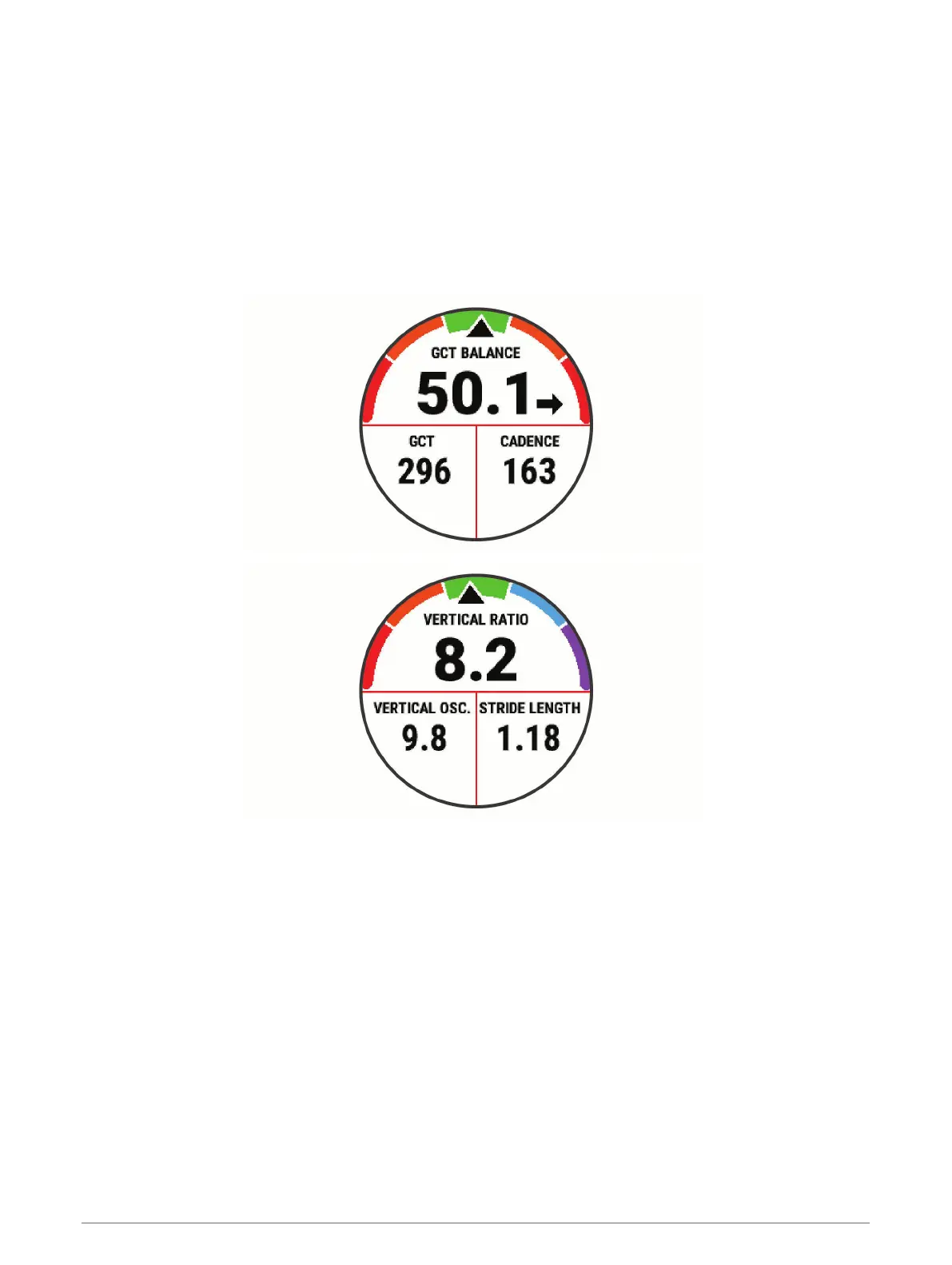
Training with Running Dynamics
Before you can view running dynamics, you must put on an HRM-Pro, HRM-Run
™
, or HRM-Tri accessory, or the
Running Dynamics Pod, and pair it with your device (Pairing Your Wireless Sensors, page 77).
If your Forerunner was packaged with the heart rate monitor, the devices are already paired, and the Forerunner
is set to display running dynamics.
1 Select START, and select a running activity.
2 Select START.
3 Go for a run.
4 Scroll to the running dynamics screens to view your metrics.
5 If necessary, hold UP to edit how the running dynamics data appears.
Heart Rate Features 37















 To Next Page