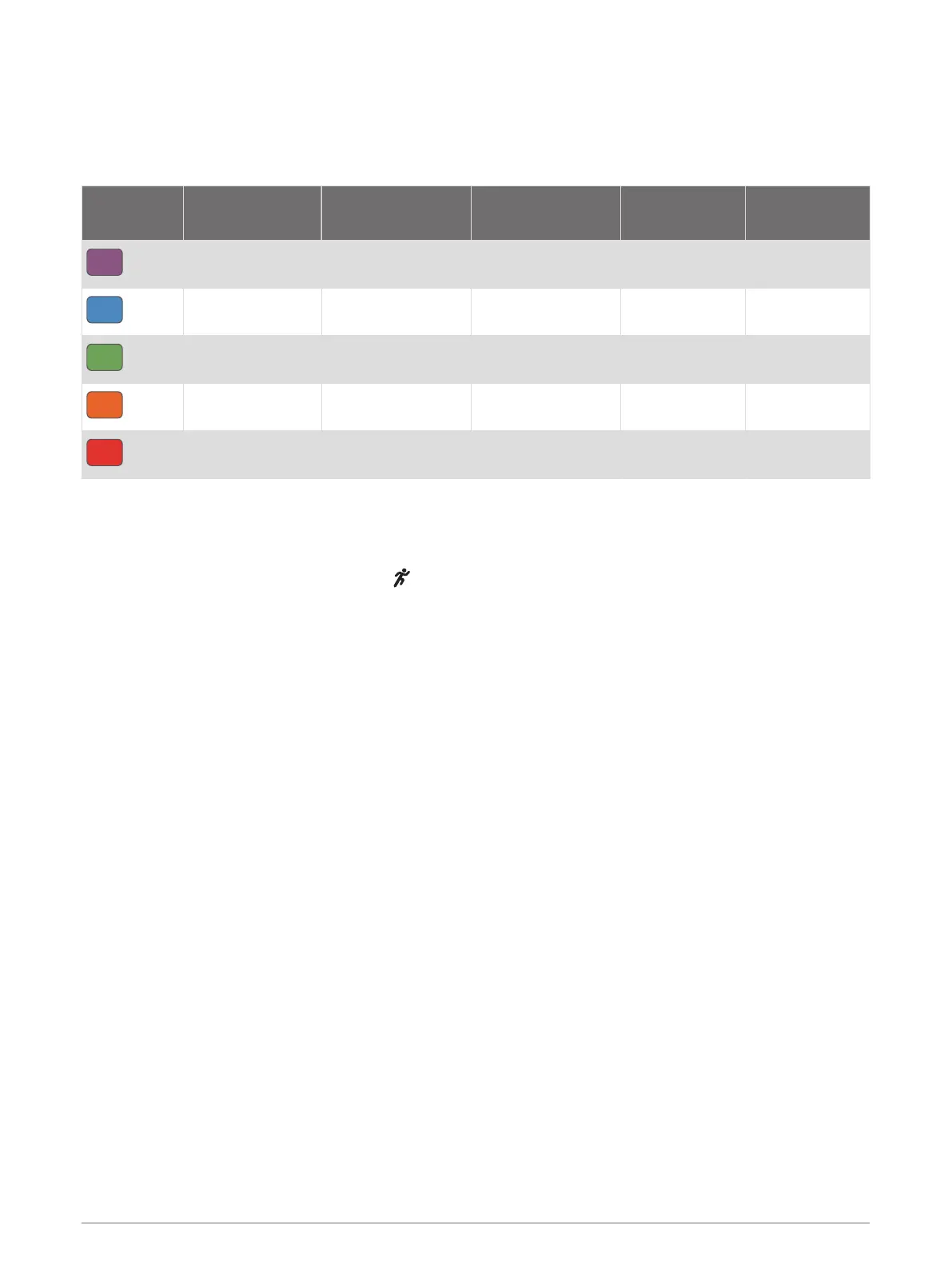
Vertical Oscillation and Vertical Ratio Data
The data ranges for vertical oscillation and vertical ratio are slightly different depending on the sensor and
whether it is positioned at the chest (HRM-Pro, HRM-Run, or HRM-Tri accessories) or at the waist (Running
Dynamics Pod accessory).
Color Zone
Percentile in
Zone
Vertical Oscillation
Range at Chest
Vertical Oscillation
Range at Waist
Vertical Ratio
at Chest
Vertical Ratio
at Waist
Purple
>95 <6.4 cm <6.8 cm <6.1% <6.5%
Blue
70–95 6.4–8.1 cm 6.8–8.9 cm 6.1–7.4% 6.5–8.3%
Green
30–69 8.2–9.7 cm 9.0–10.9 cm 7.5–8.6% 8.4–10.0%
Orange
5–29 9.8–11.5 cm 11.0–13.0 cm 8.7–10.1% 10.1–11.9%
Red
<5 >11.5 cm >13.0 cm >10.1% >11.9%
Tips for Missing Running Dynamics Data
If running dynamics data does not appear, you can try these tips.
• Make sure you have a running dynamics accessory, such as the HRM-Pro accessory.
Accessories with running dynamics have on the front of the module.
• Pair the running dynamics accessory with your Forerunner device again, according to the instructions.
• If you are using the HRM-Pro accessory, pair it with your Forerunner device using ANT+ technology, rather
than Bluetooth technology.
• If the running dynamics data display shows only zeros, make sure the accessory is worn right-side up.
NOTE: Ground contact time and balance appears only while running. It is not calculated while walking.
Heart Rate Features 39















 To Next Page