Viewing the Body Battery Glance
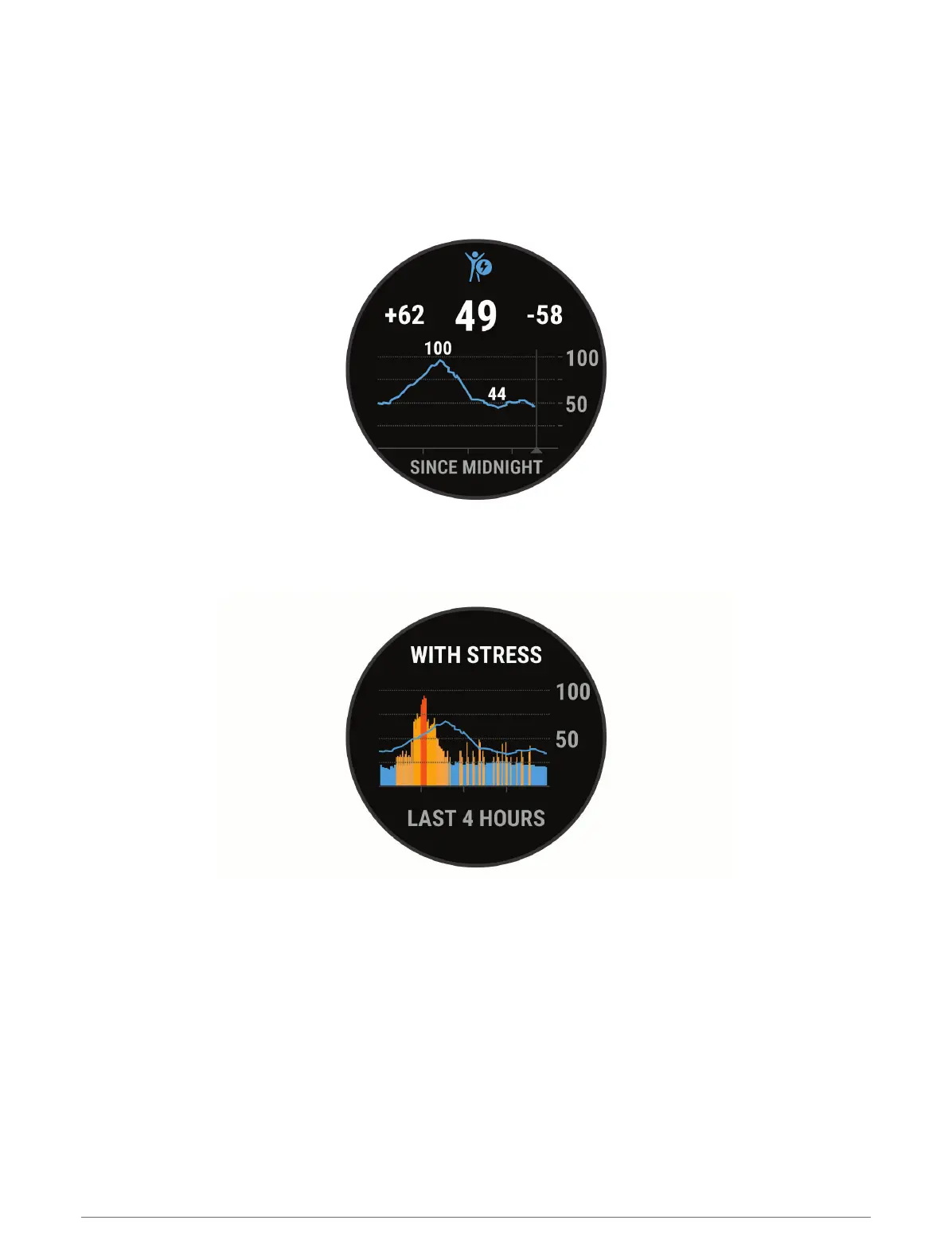
The Body Battery glance displays your current Body Battery level and a graph of your Body Battery level for the
last several hours.
1 Press UP or DOWN to view the Body Battery glance.
NOTE: You may need to add the glance to your glance loop (Customizing the Glance Loop, page 22).
2 Press START to view a graph of your body battery level since midnight.
3 Press DOWN to view a combined graph of your Body Battery and stress levels.
Blue bars indicate periods of rest. Orange bars indicate periods of stress. Gray bars indicate times when you
were too active to determine your stress level.
Tips for Improved Body Battery Data
• For more accurate results, wear the watch while sleeping.
• Good sleep charges your Body Battery.
• Strenuous activity and high stress can cause your Body Battery to drain more quickly.
• Food intake, as well as stimulants like caffeine, has no impact on your Body Battery.
Appearance 23















 To Next Page