Navigation
You can use the GPS navigation features on your device to view your path on a map, save locations, and find
your way home.
Courses
You can send a course from your Garmin Connect account to your device. After it is saved to your device, you
can navigate the course on your device.
You can follow a saved course simply because it is a good route. For example, you can save and follow a bike
friendly commute to work.
You can also follow a saved course, trying to match or exceed previously set performance goals. For example, if
the original course was completed in 30 minutes, you can race against a Virtual Partner trying to complete the
course in under 30 minutes.
Following a Course on Your Device
1 From the watch face, select START.
2 Select an activity.
3 Hold .
4 Select Navigate > Courses.
5 Select a course.
6 Select Do Course.
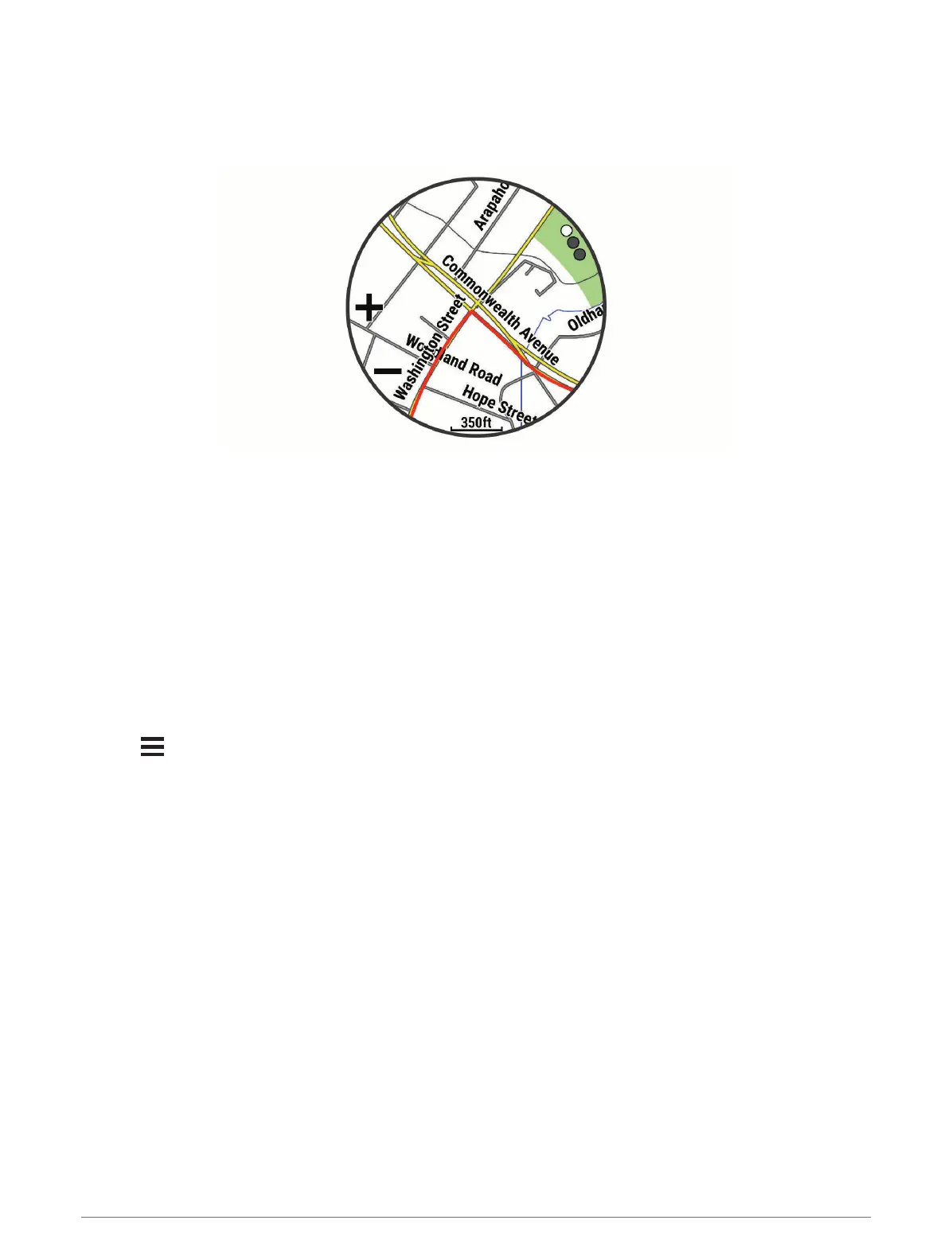
Navigation information appears.
7 Select START to begin navigation.
64 Navigation















 To Next Page