EN–9
Tack and Gybe
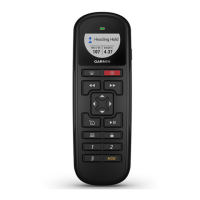
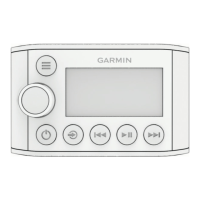
You can begin a tack or gybe using the remote.
Tacking and Gybing from Heading Hold
Before you can begin a heading hold tack or gybe using
the remote, you must assign Tack/Gybe to one of the
programmable keys (page 5), and dene the tack and gybe
angle using the GHC device.
For more information about dening the tack and gybe angle,
see the GHC Owner’s Manual.
1
Select the programmable key assigned to Tack/Gybe.
Left and right arrows appear on the remote screen.
2
Select or to tack or gybe to port or starboard.
Tacking and Gybing from Wind Hold
Before you can begin a wind hold tack or gybe using
the remote, you must assign Tack/Gybe to one of the
programmable keys using the GHC device (page 5).
1
Select the programmable key assigned to Tack/Gybe.
Left and right arrows appear on the remote screen.
2
Select or to tack or gybe to port or starboard.





 To Next Page