400 SERIES MAINTENANCE MANUAL Page 5-45
P/N 190-00140-05 Rev. C
5.7.6.7 Display Pattern Test
Starting from the display pattern test page, use the “RNG” buttons to cycle through all of the
display patterns to verify all pixels are driven and color contrast is acceptable.
_____OK
5.7.6.8 Fan Test
1. Verify fan blade is not moving or air is not being circulated when unit is off.
_____OK
2. Verify fan blade is moving and air is being blown out (not sucked in) by the fan when unit is
on.
_____OK
5.7.6.9 Unit Configuration Test
Apply power to the unit and verify the successful display of the unit configuration (GPS 400,
GNC 420, or GNS 430).
_____OK
5.7.6.10 GPS Antenna Bias
1. Measure the DC voltage at the GPS antenna connector.
2. Verify voltage is 4.9 to 5.3 volts (with no load).
Voltage________(4.9 to 5.3 V)
5.7.6.11 GPS Noise
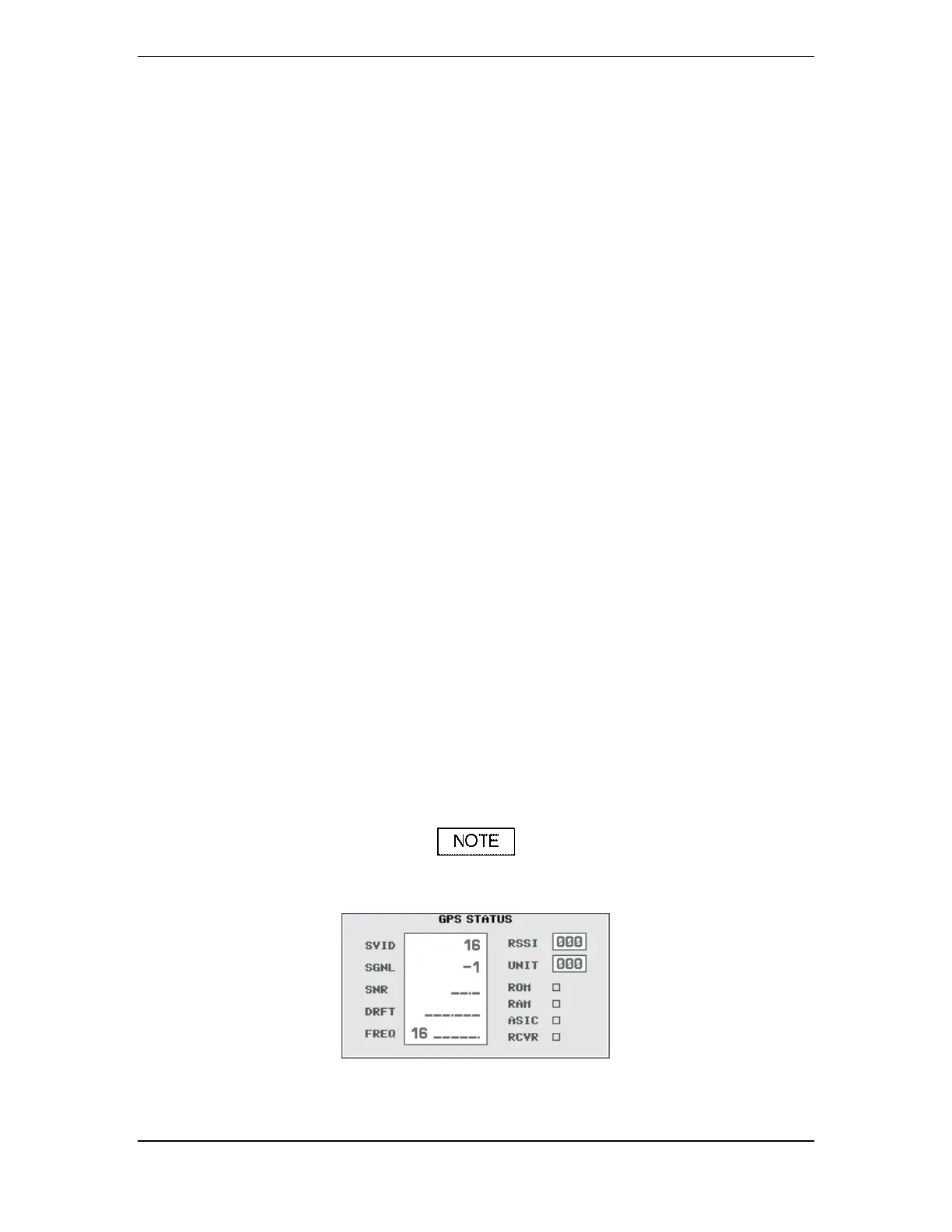
Tests 5.7.6.10 and 5.7.6.11 use the GPS Test Page (Figure 5-8).
Figure 5-8. GPS Test Page




 To Next Page