POSITION PAGE
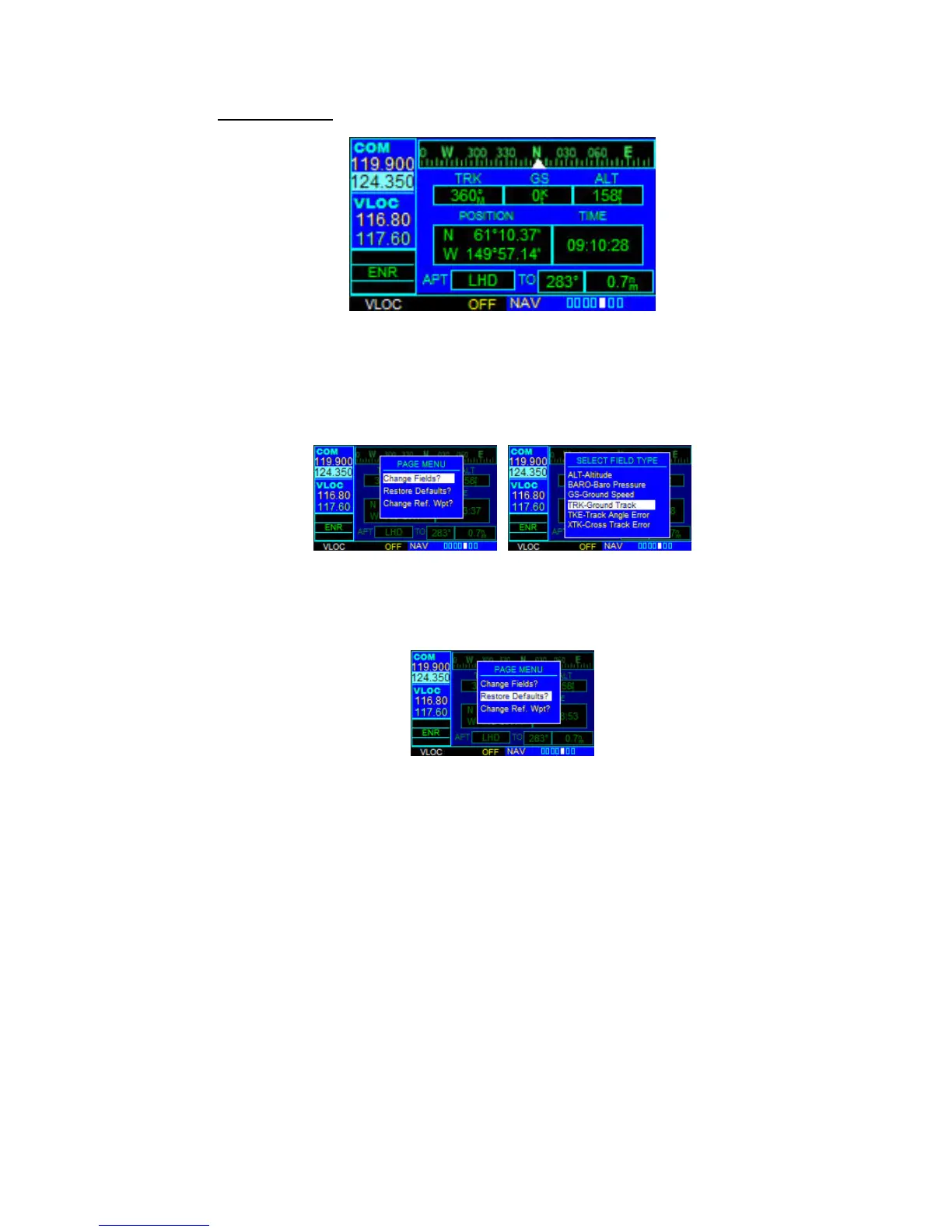
The Position Page (the fifth NAV page) displays the present position default, in latitude,
longitude and altitude. The Position Page also displays the current track, ground speed,
time, and a reference waypoint field. These fields are user-selectable to configure the
page to the pilot’s own preferences and current navigation needs.
To change the user-selectable data fields:
Press the MENU Key to display the Position Page Menu. Select 'Change Fields?' and
press ENT. Refer to NAV DEFAULT PAGE section to see how to change the fields.
Restoring Factory Settings
‘Restore Defaults?’ resets all four user-selectable data fields to their original factory
default settings. Use large right knob to select ‘Restore Defaults?’ and press ENT.



 To Next Page