3.4 AUX PAGE GROUP
The AUX pages also provide functions such as fuel planning, density altitude, true
airspeed, and winds aloft calculations
To quickly select an AUX page:
1. From any page, press and hold the CLR Key to select the Default NAV Page
2. If any of the main pages are already being displayed, this step may be skipped.
3. Turn the large right knob to select the AUX Page Group. ‘AUX’ appears in the
lower right corner of the screen.
4. Turn the small right knob to select the desired AUX page.
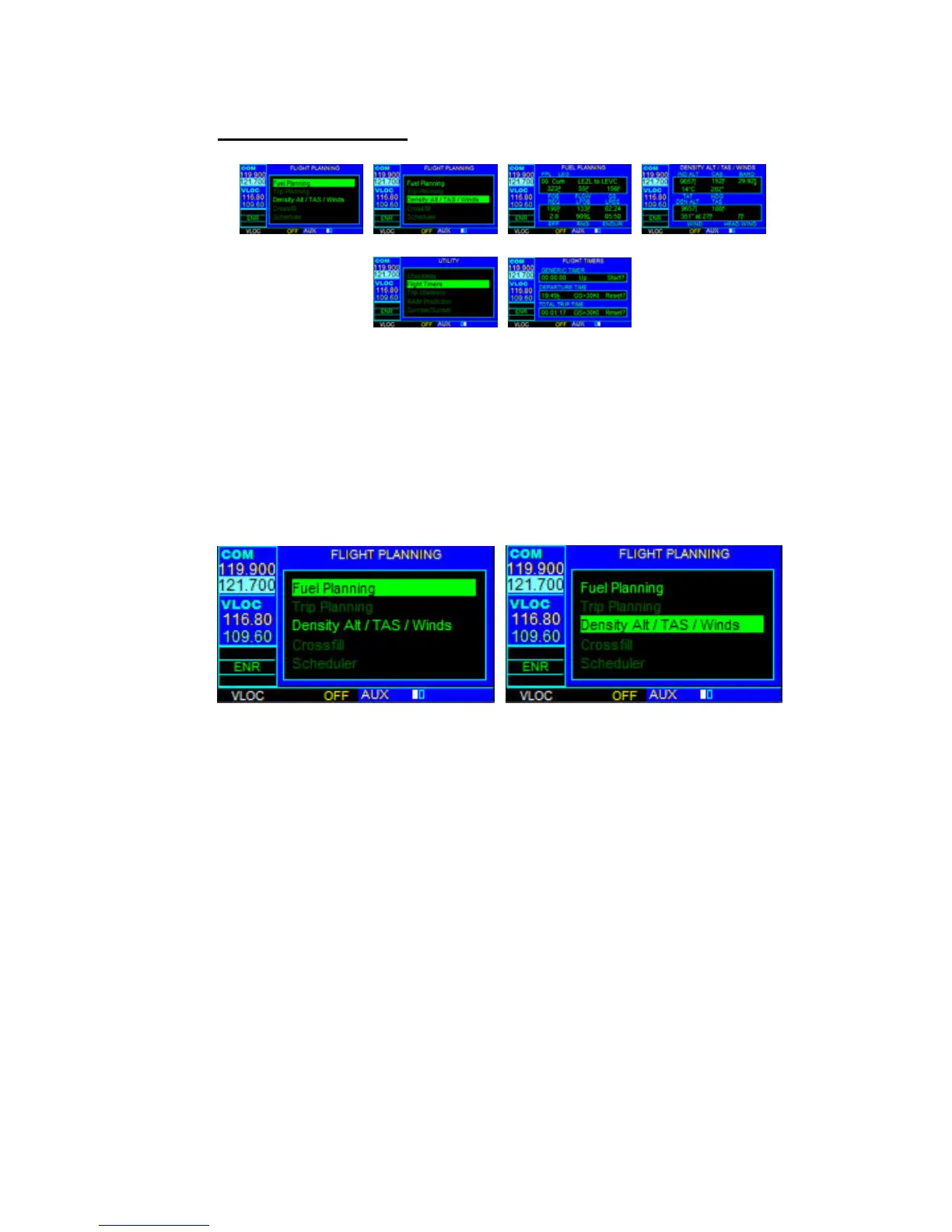
FLIGHT PLANNING PAGE
The Flight Planning Page provides access (via ‘menu options’) to functions for fuel
planning and density altitude/true airspeed/winds aloft calculations. When a menu
option is selected, the corresponding page appears providing additional information.
NOTE: Only options in bright letters are available in this version.
To select a menu option from the Flight Planning Page:
1. Press the small right knob momentarily, to activate the flashing cursor.
2. Turn the large right knob to select the desired menu option, and press the ENT
Key.



 To Next Page