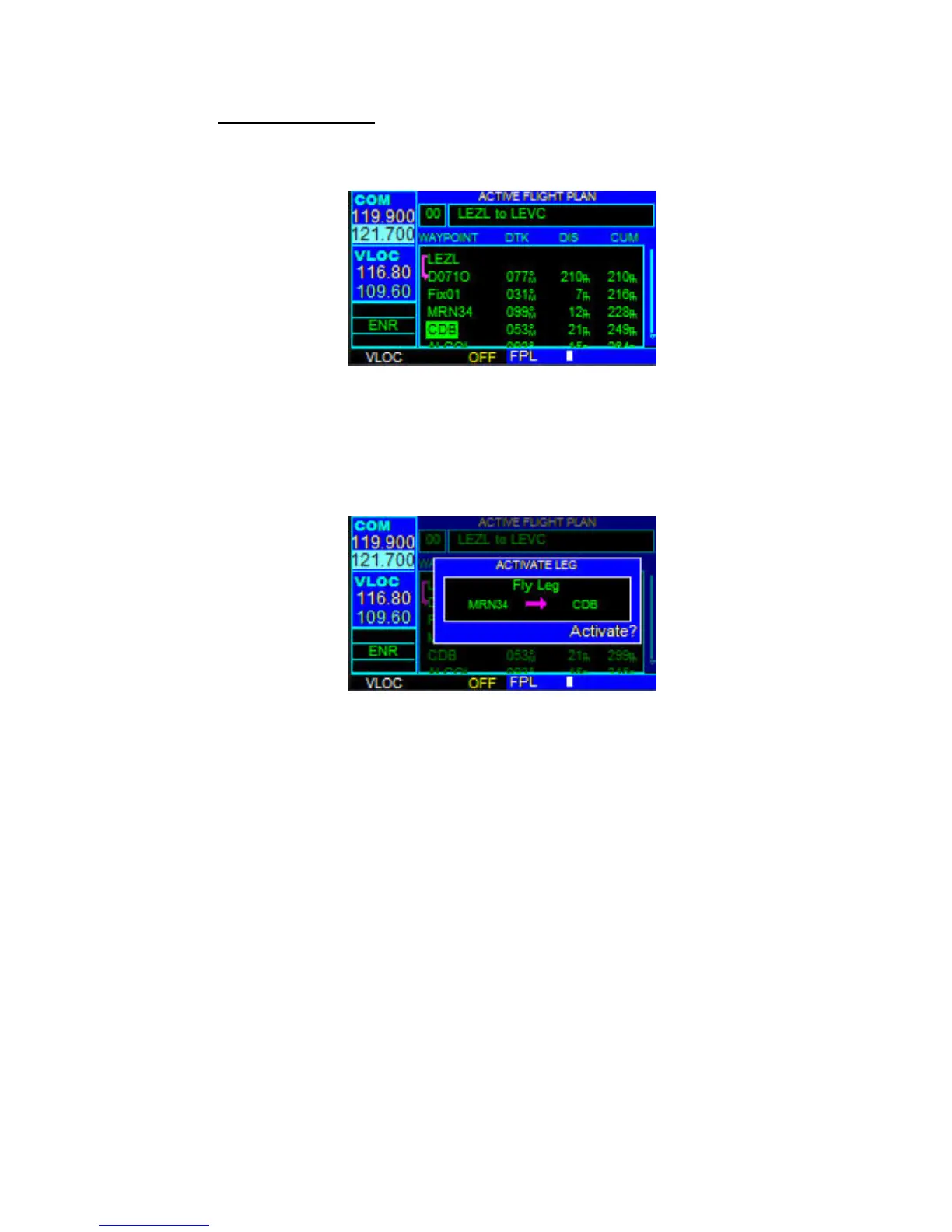
3.6 FLIGHT PLANS
In this FreindlyPanels GNS430 version flight plans must be created by FS9 means or
some external add-on.
Active Flight Plan Options
Access the Active Flight Plan Menu Page:
1. Press the FPL Key to view the Active Flight Plan Page.
2. Highlight the field desired.
3. Press the MENU Key. Activate the flight plan along specific leg desired.
4. With ‘Activate?’ highlighted, press the ENT Key.



 To Next Page