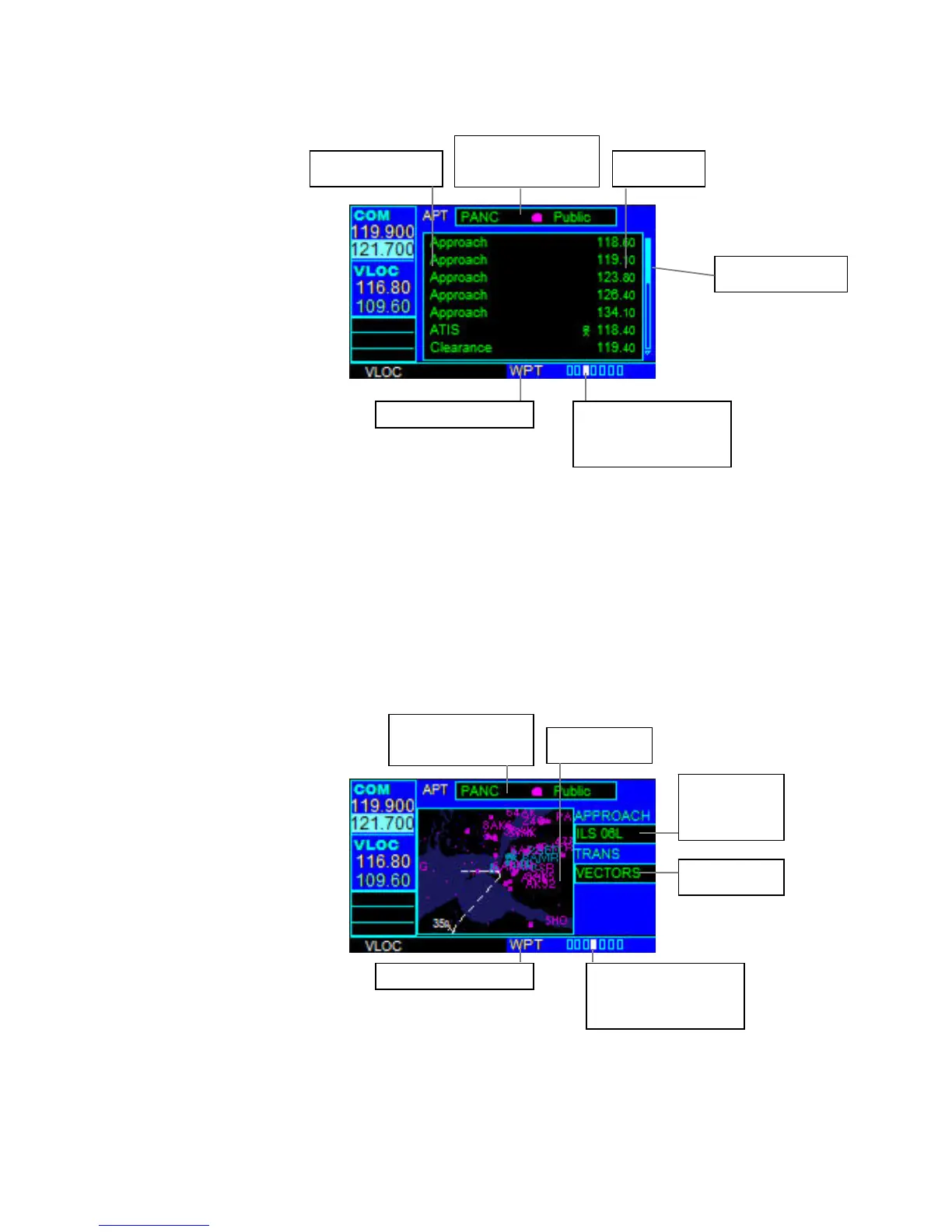
AIRPORT FREQUENCY PAGE
The Airport Frequency Page displays radio frequencies and frequency types for the
selected airport.
To scroll through the frequency list and tune to a desired frequency on the list:
1. Press the small right knob to activate the cursor.
2. Turn the large right knob to scroll through the list, placing the cursor on the
desired frequency. If there are more frequencies in the list that can be displayed
on the screen, a scroll bar along the right-hand side of the screen indicates the
cursor’s position within the list.
3. Press the ENT Key to place the selected frequency in the standby field of the
COM or VLOC Window.
4. To remove the flashing cursor, press the small right knob.
AIRPORT APPROACH PAGE
The Airport Approach Page shows the available approach procedures for the selected
airport. A map image provides a layout diagram for each approach and transition.
Frequency Type
Airport Identifier,
Symbol and Type
Frequency
Scroll bar
Current Pa



 To Next Page